


Can’t buy the best-in-class DJI Lito X1 beginner drone? I tested the Potensic Atom 3 at length, and it’s the next best thing
Potensic Atom 3: One-minute review
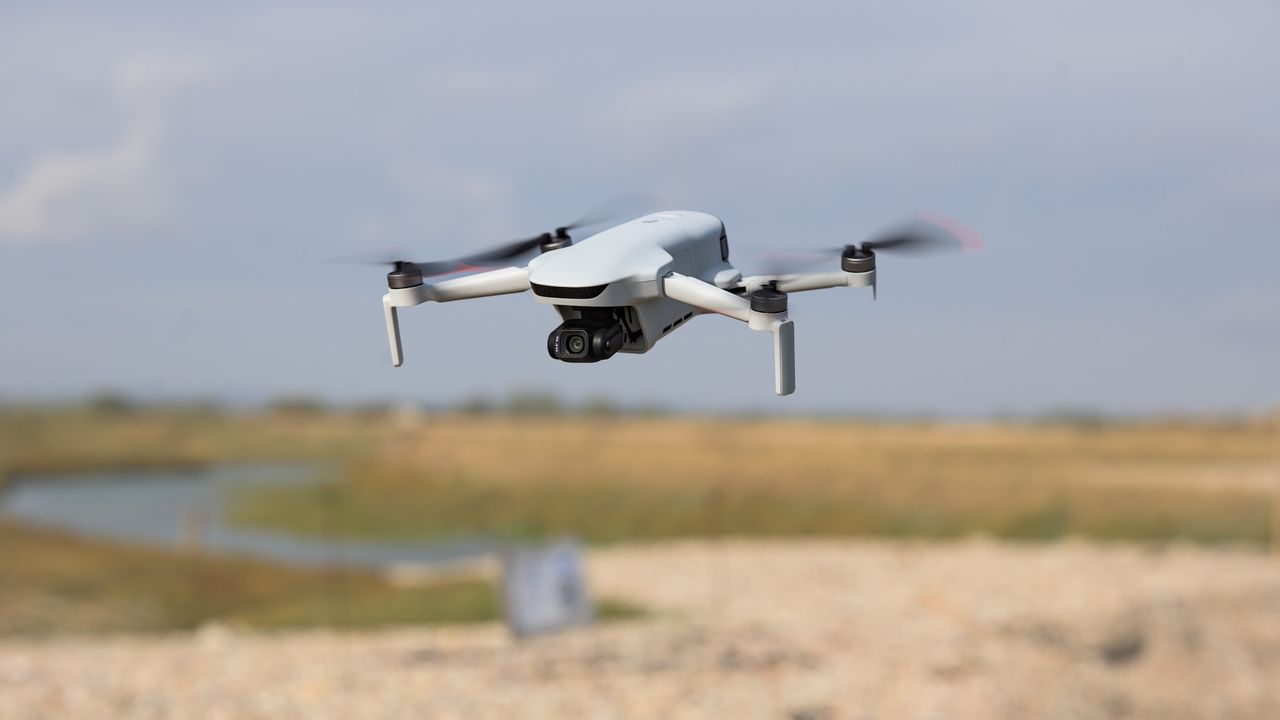
Many have tried and failed to produce drones to rival DJI’s, but the Potensic Atom 3 is a DJI drone alternative that’s actually worth considering — and not just on paper, but in actual flight conditions.
The folding quadcopter impresses with level 5 wind resistance and a 10% bigger battery than its predecessor, the Atom 2, making for robust flight performance even in tricky conditions. It’s gargantuan RC PTD 2 touchscreen controller (in the pricier bundle) feels top-drawer, too.
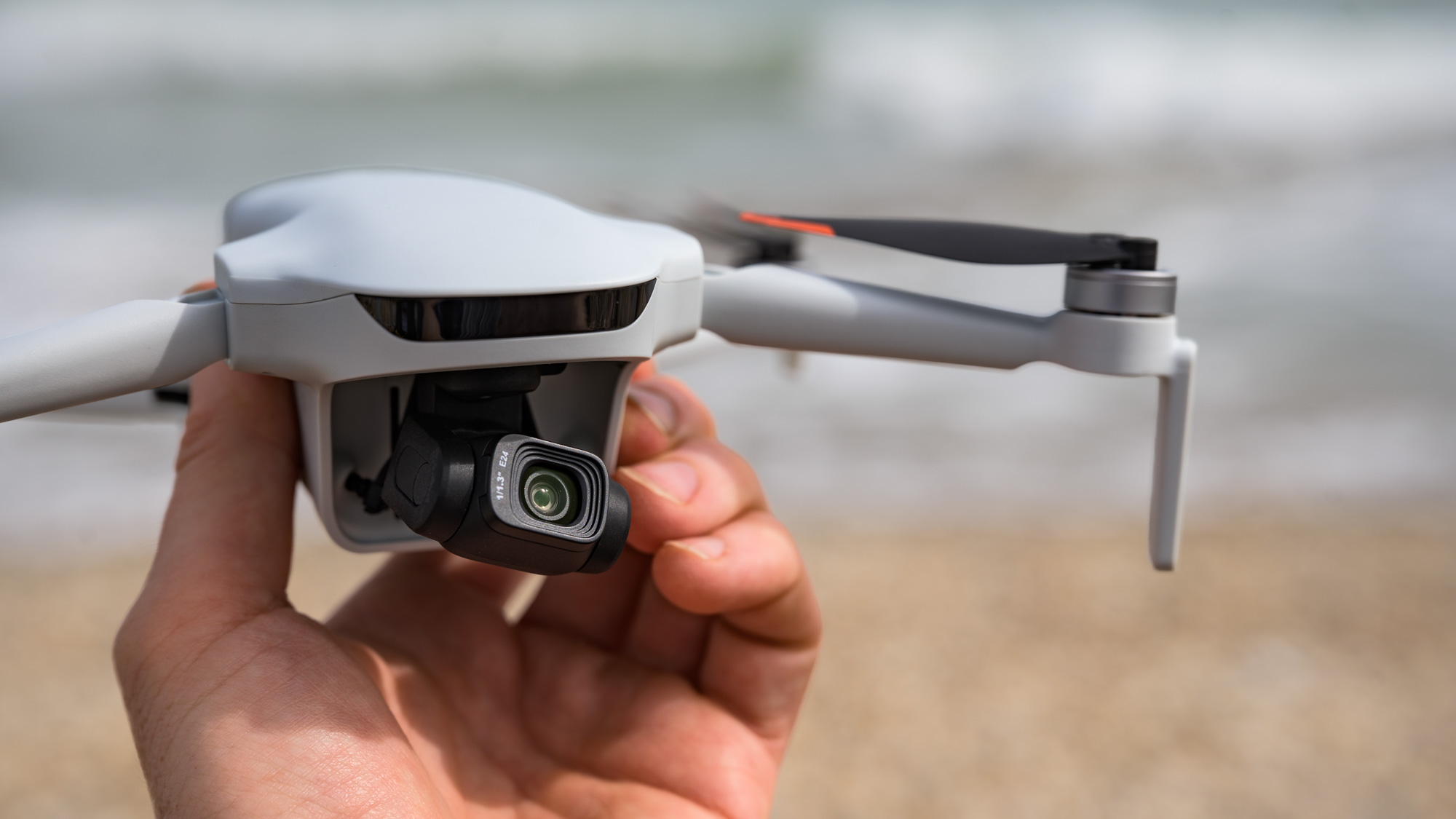
Its 3-axis gimbal camera isn’t half-bad, either — being equipped with a 1/1.3-inch sensor and offering 4K video up to 60fps in standard, HDR or Log profiles, slow-motion recording, and up to 50MP stills in RAW and JPEG.
The larger sensor, higher 4K video frame rates and bitrates, plus improved battery life and transmission range are all meaningful upgrades on the Atom 2, and make the Atom 3 a compelling DJI Mini rival, especially given Potensic’s competitive pricing.
Despite a few handling issues (which I’ll get into below), the Atom 3 could have pinched top spot in our beginner drones guide… six months ago. The bad news for Potensic is that the DJI Lito X1 is now in the picture, raising the bar for any would-be challengers.
For practically the same money, the Lito X1 is the slightly more polished drone overall — and it features object sensing, which the Atom 3 lacks, delivering this incredibly useful feature at a new-low price point (compared to DJI’s Mini 5 Pro). Ultimately, the Lito X1 gives consumers so much for the money that the fight here feels unfair.
Would I still recommend the Atom 3? Absolutely. It’s way better than the Ruko U11Mini 4K, which we recently tested, and the next best thing for consumers who don’t want, or can’t buy, a DJI drone (US pricing is displayed on the Potensic website, suggesting it’s available there, unlike new DJI products). Ultimately, Potensic’s best drone yet is a highly capable beginner option — but it remains one big step behind the DJI competition.
Potensic Atom 3: Price and availability
- Priced from $429.99 / £339.99
- Touchscreen RC3 controller bundle costs $424.99 / £499
- Available now direct from Potensic and via Amazon; not available in Australia at launch
The Potensic Atom 3 is available now directly through Potensic’s website and via Amazon in the US and the UK, but it’s yet to hit stores in Australia.
Pricing varies considerably depending on the region and the bundle. In the UK, the base package costs £339.99, with the price rising to £579.99 for the Fly More Combo with RC PTD 2 bundle (which I tested), which includes two additional batteries, a charging hub, case, and the touchscreen RC PTD 2 controller in place of the standard smartphone-based remote.
US pricing starts at $429.99, though at the time of writing only two of the five bundles are available there — it seems as though the touchscreen RC PTD 2 controller is not available directly through the Potensic site in the US. The Fly More Combo, which is available and includes the standard smartphone-based remote, costs $549.99.
At the time of writing, the Potensic Atom 3 is not available in Australia, but Potensic does have a dedicated Australia website which is the best place to check for future availability.
DJI’s Lito X1 is the Atom 3’s obvious rival, and it costs from £359 at Amazon UK, so just a little extra money gets you that drone’s massively useful object-sensing feature. However, like other DJI drones, the Lito X1 is not available to buy in the US.
- Price score: 4/5
Potensic Atom 3: Specs
|
Potensic Atom 3 |
|
|
Camera: |
12.5MP 1/1.3-inch CMOS sensor (with 50MP mode) |
|
Video: |
4K 60fps |
|
Flight modes: |
3x speeds, 7x Quickshots, 3x AI tracking |
|
Storage: |
MicroSD card slot, no internal storage |
|
Battery: |
2,590mAh / up to 40 minutes flight time |
|
Charger type: |
USB-C / Battery Charging Hub (Fly More Combo) |
|
Weight: |
249g / 8.8oz approx (C0 EU class) |
|
Dimensions: |
148 x 91 x 62mm / 5.83 x 3.58 x 2.44 inches (folded) |
Potensic Atom 3: Design and build quality
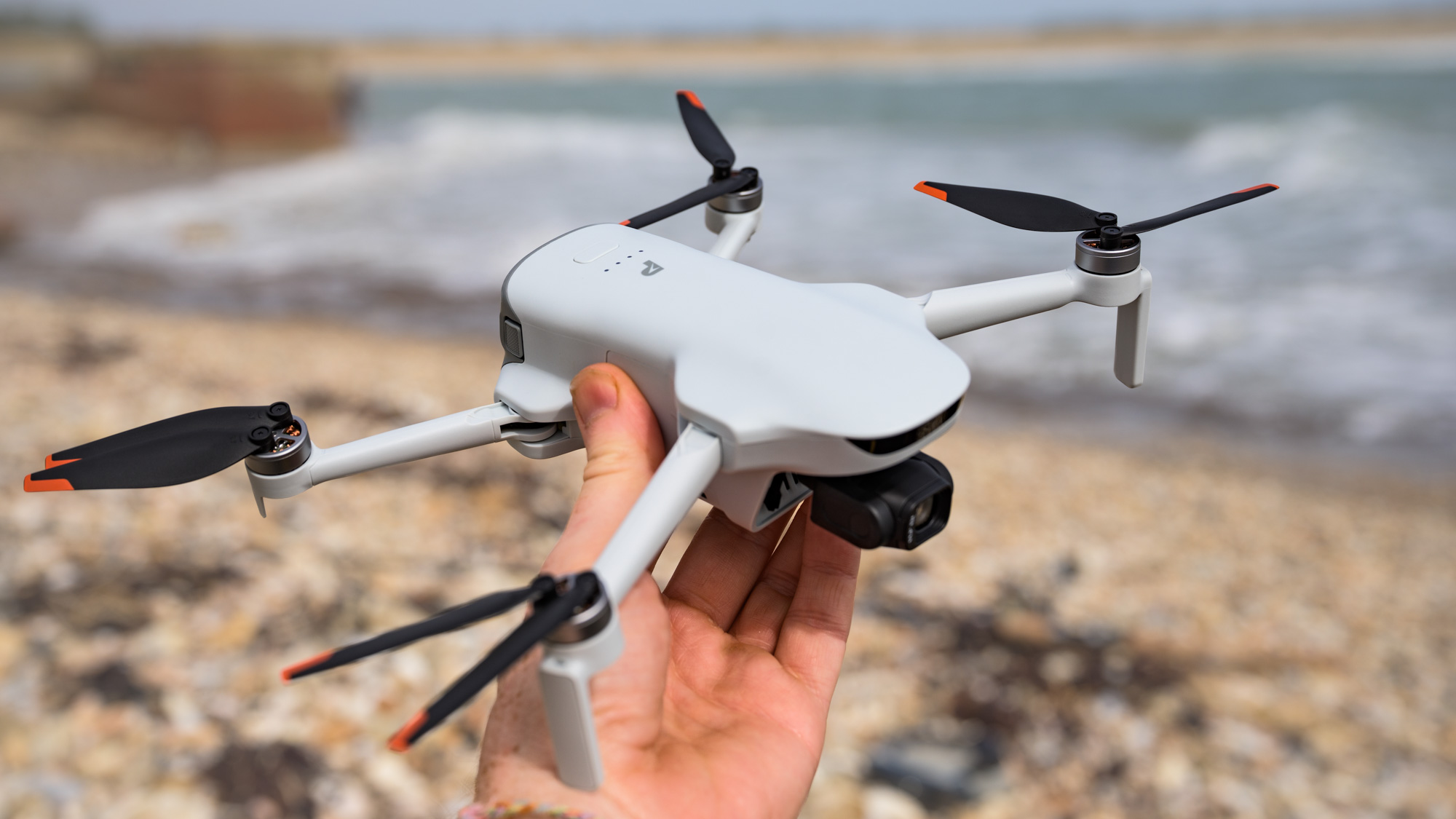
- Folding mini design, weighing under 249g
- USB-C charging and MicroSD card slot, but no internal storage
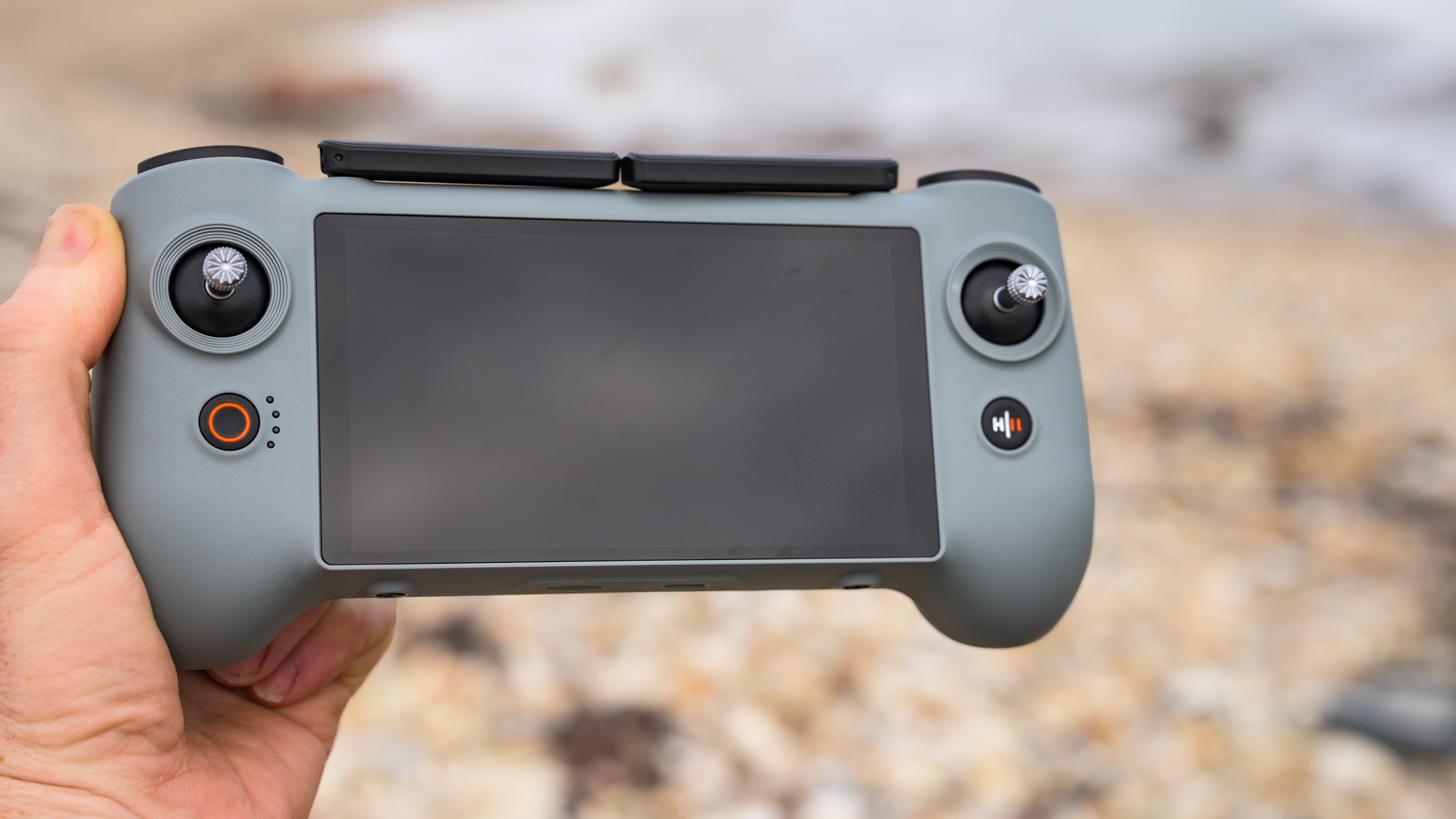
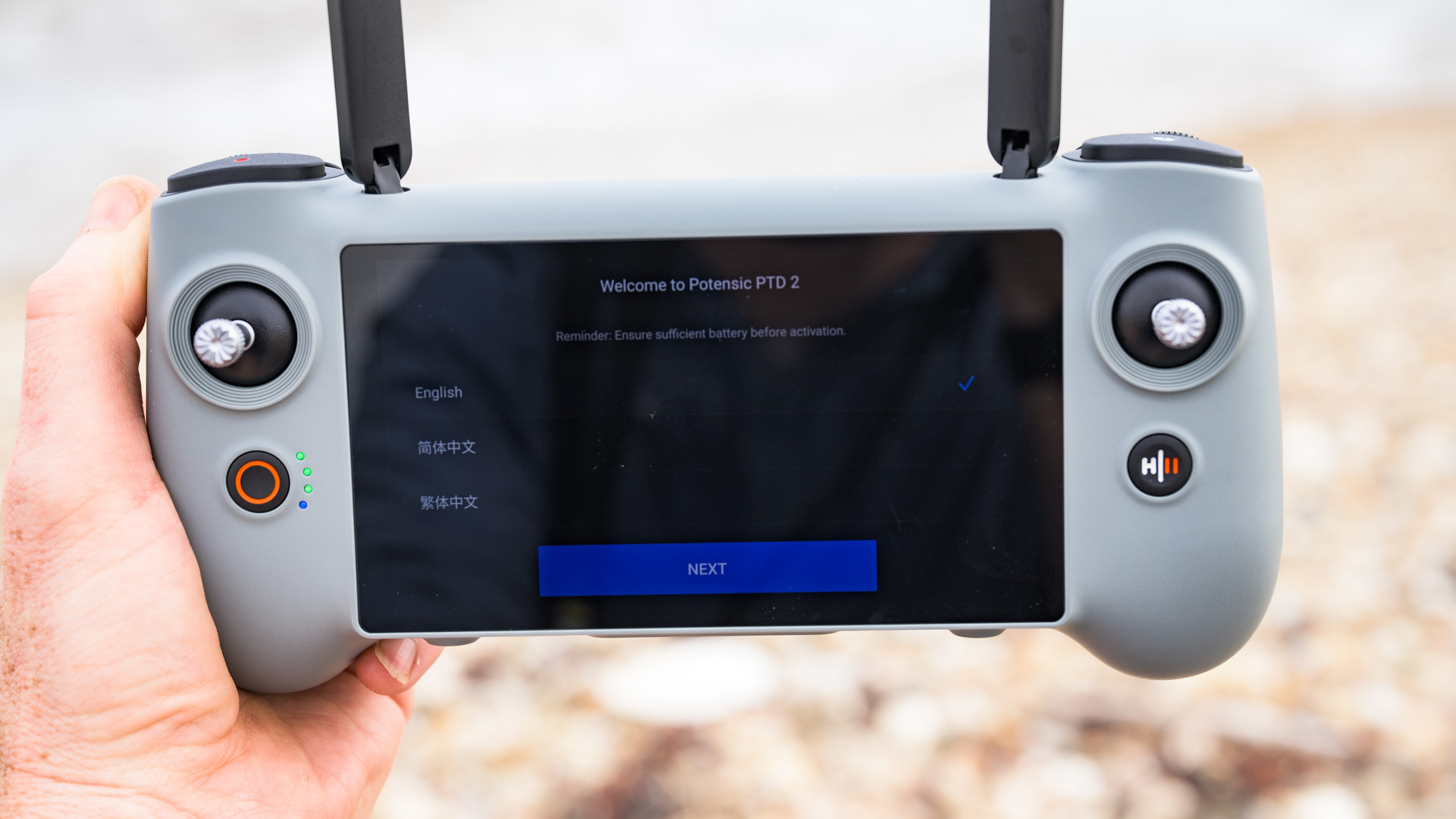
- Optional touchscreen RC PTD 2 controller is huge
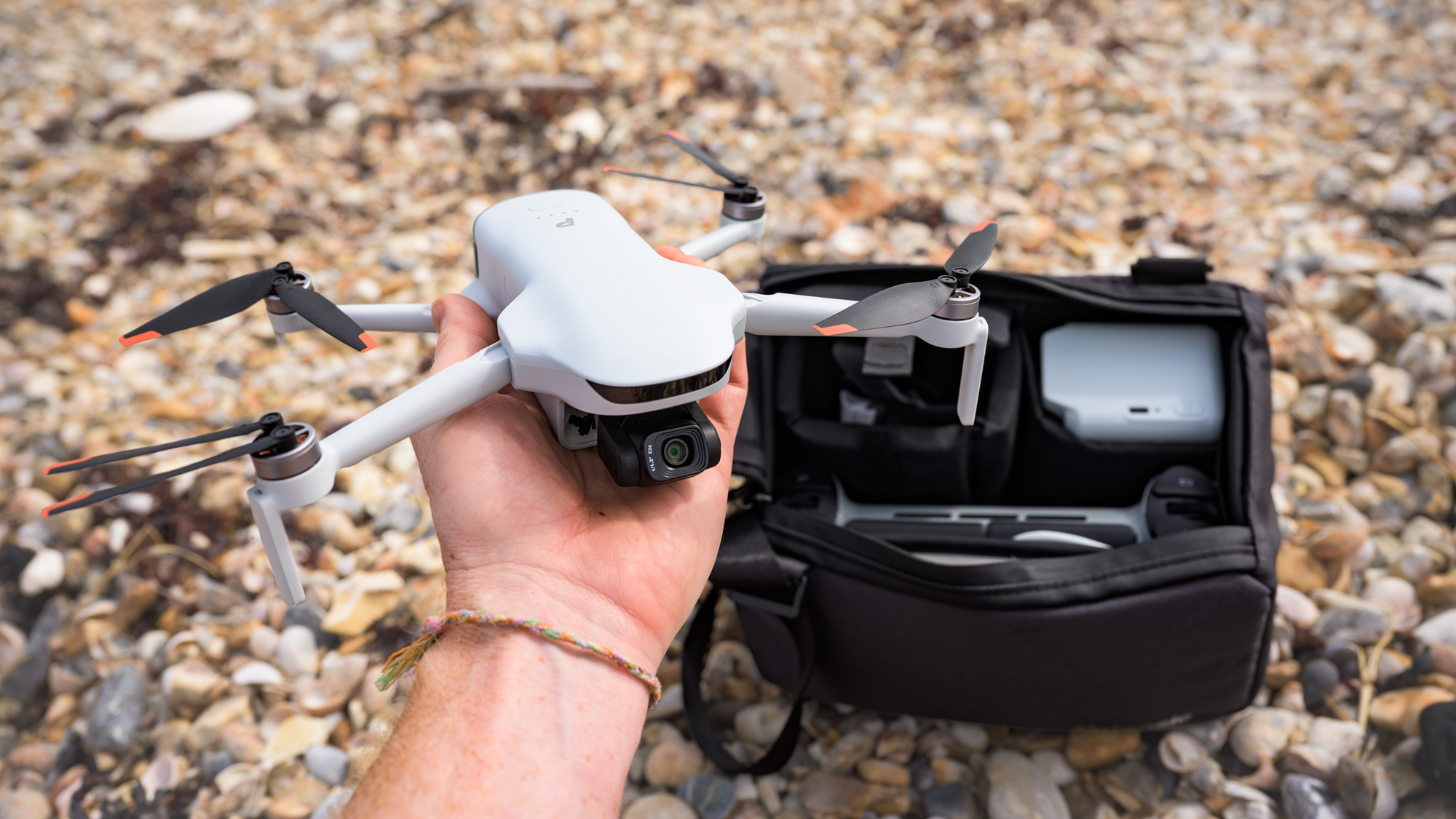
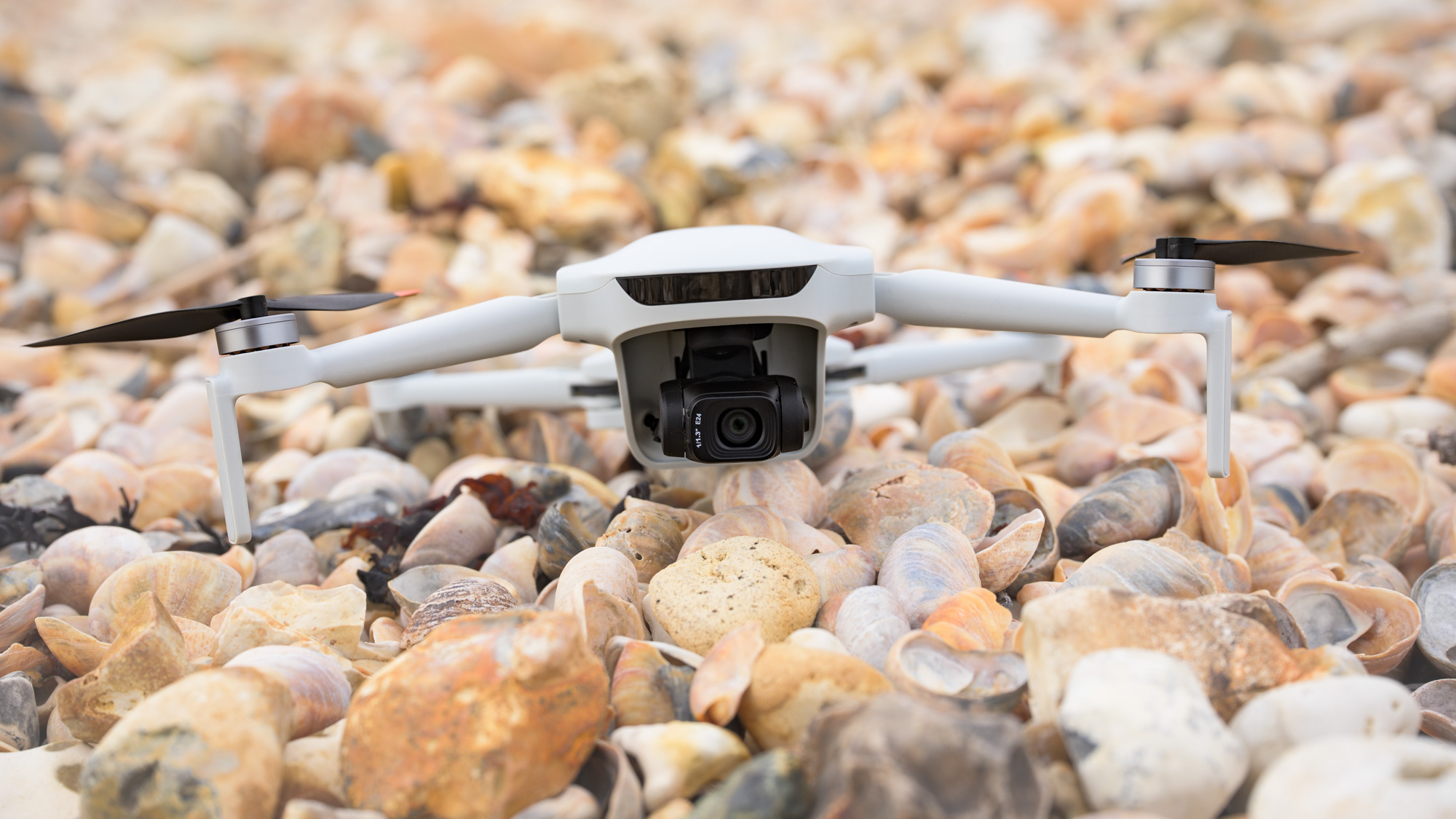
The Atom 3’s hard-plastic design is strikingly similar to recent models in DJI’s Mini and Lito series of sub-250g folding quadcopter drones. It’s a familiar formula — the drone folds down to a coat pocket-able size and, like most beginner models, weighs under 249g. Sub-250g drones are exempt from the strictest drone registration requirements in most regions, including the UK and US.
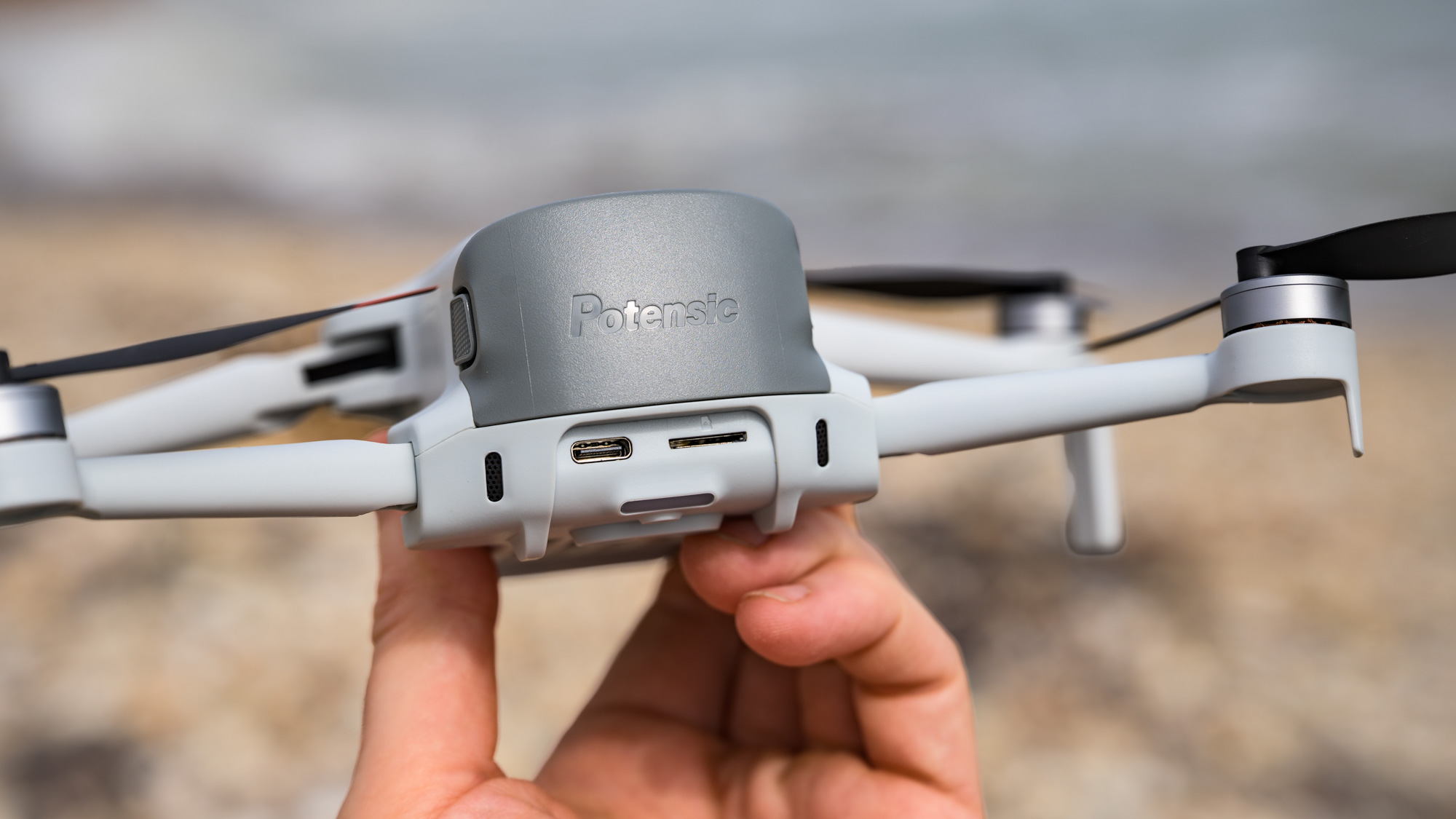
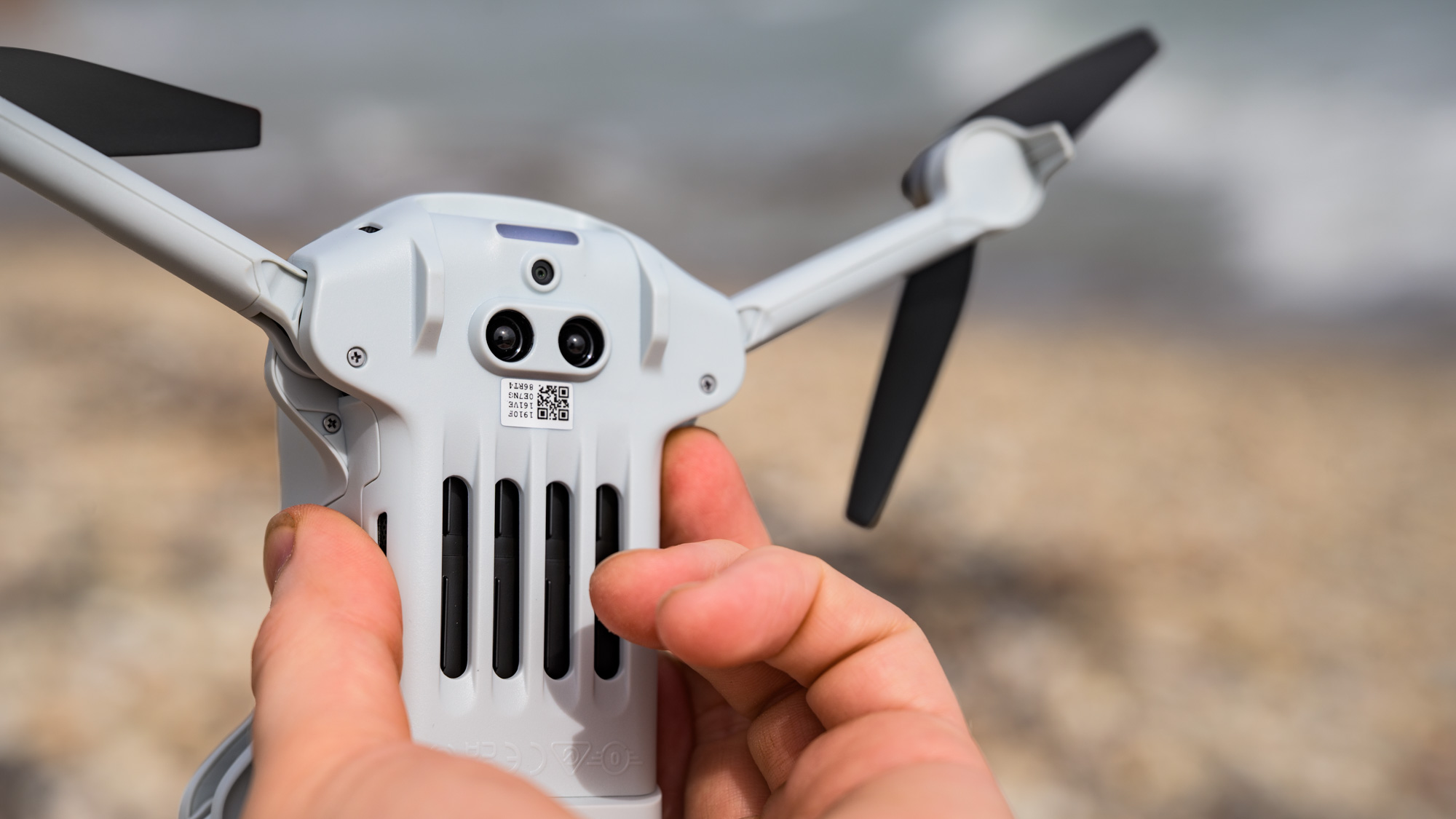
At the rear of the drone is a USB-C slot for charging the device directly, and for transferring images from the inserted microSD card. The card slot is also at the rear — there’s no internal storage.
I was able to transfer files directly onto a MacBook Pro via that USB-C wired connection, but when I tried connecting the memory card directly my computer was unable to read it. Another option for file transfer is to download the desired files through the Potensic app, which is a reliable albeit slower process.
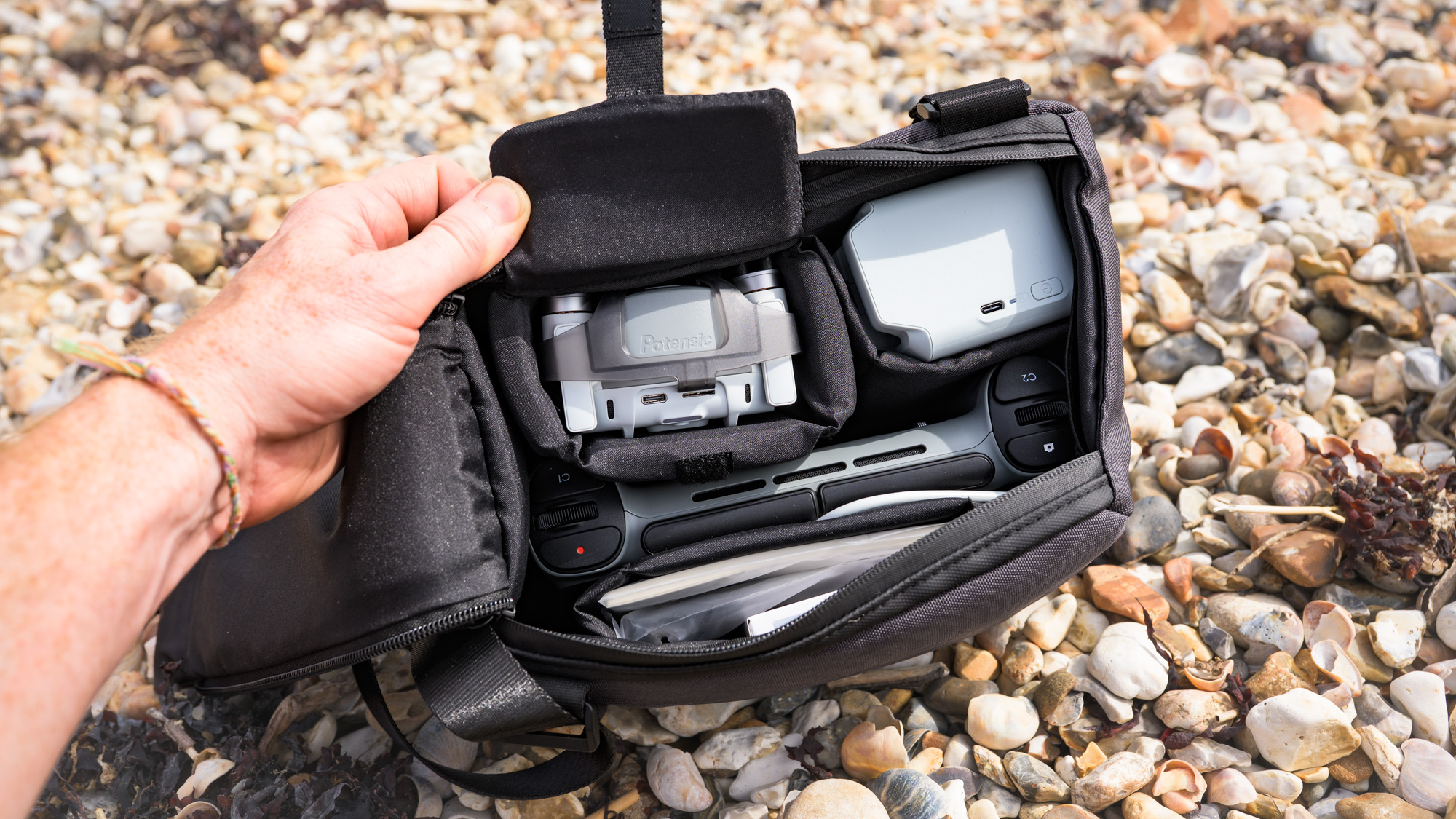
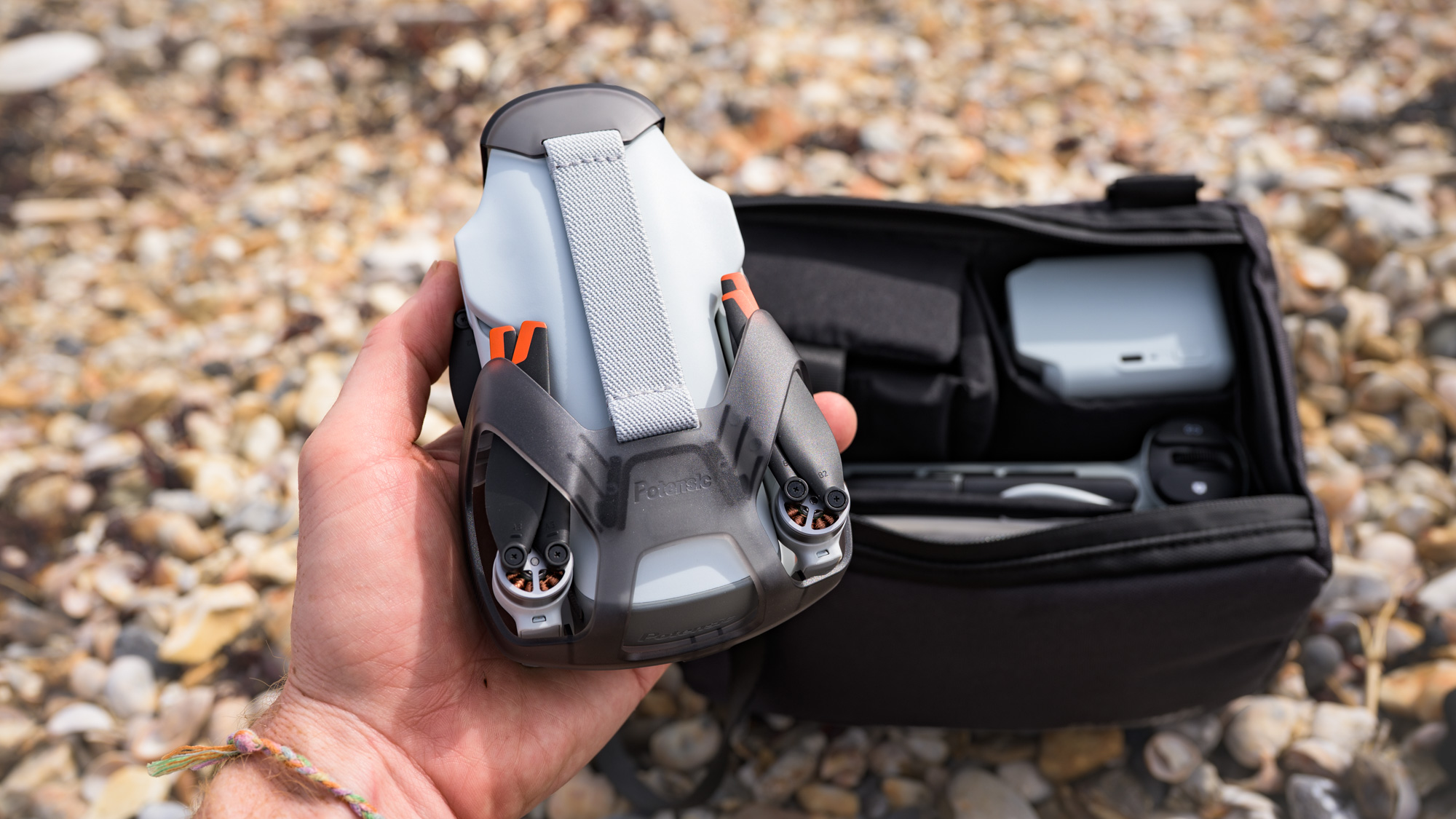
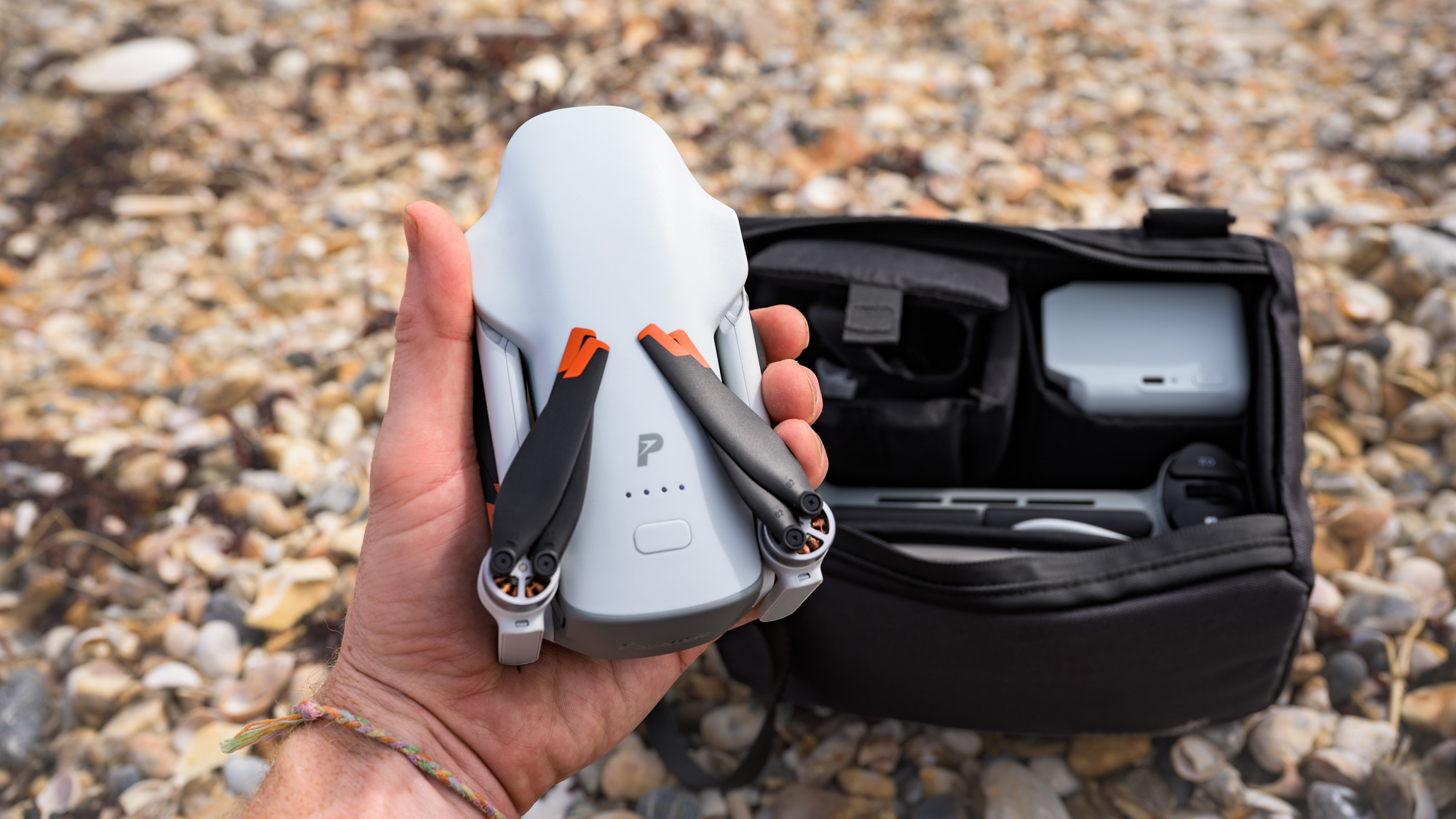
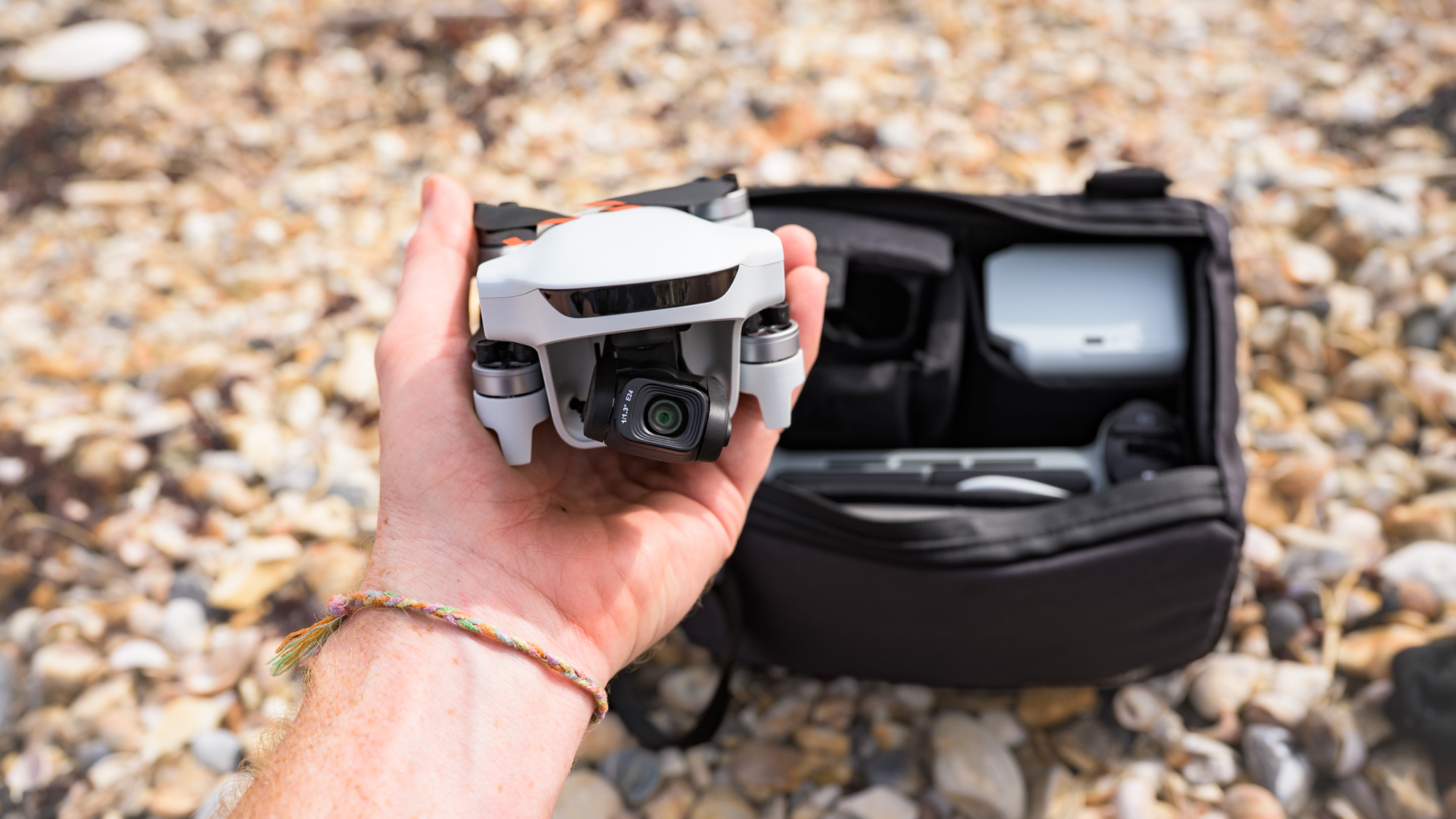
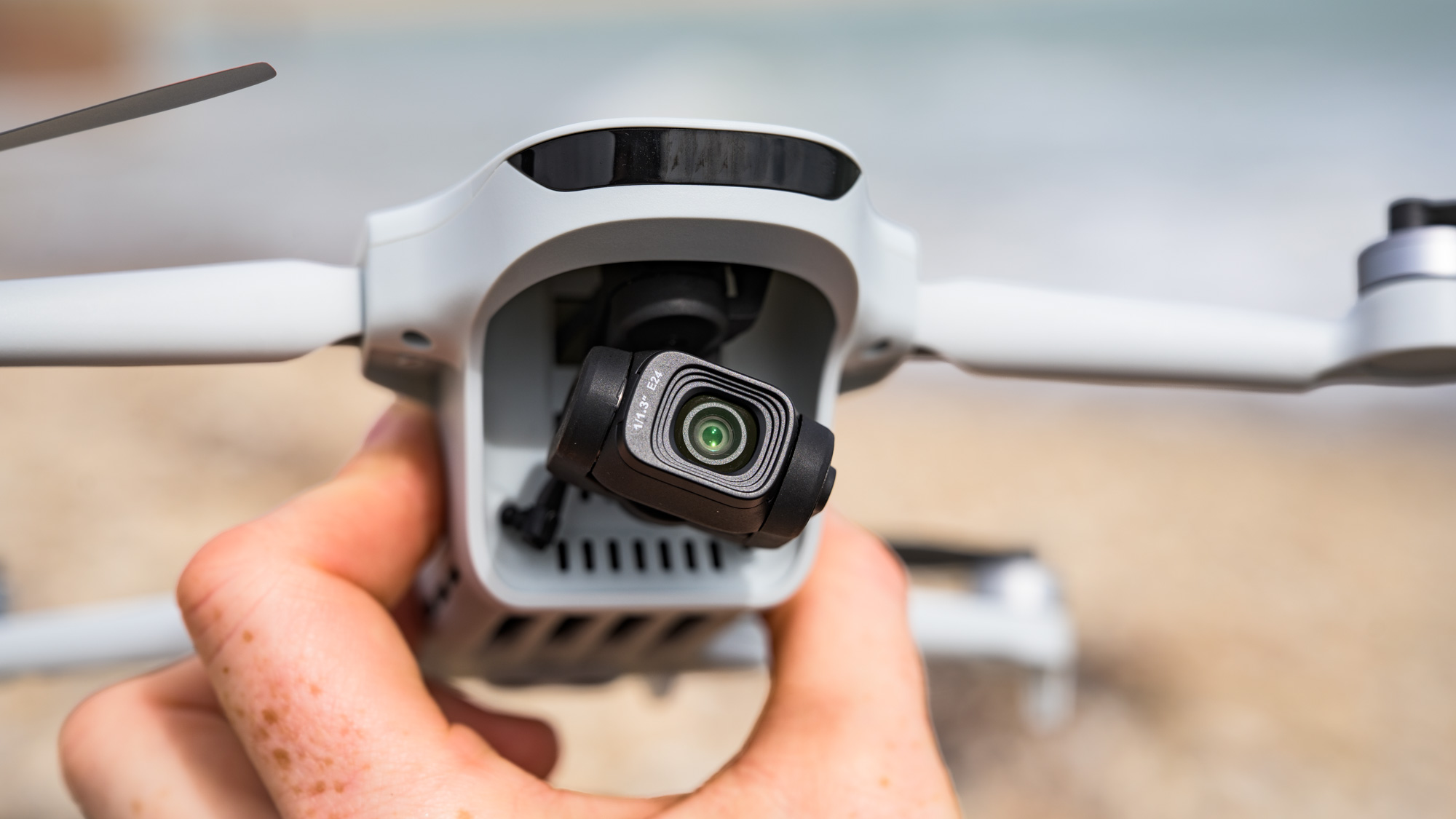
A clip-on cover ably protects the camera and gimbal mechanism when the drone isn’t in use, and this is locked in place with a rear clip by stretching an elasticated band that connects the two (see above).
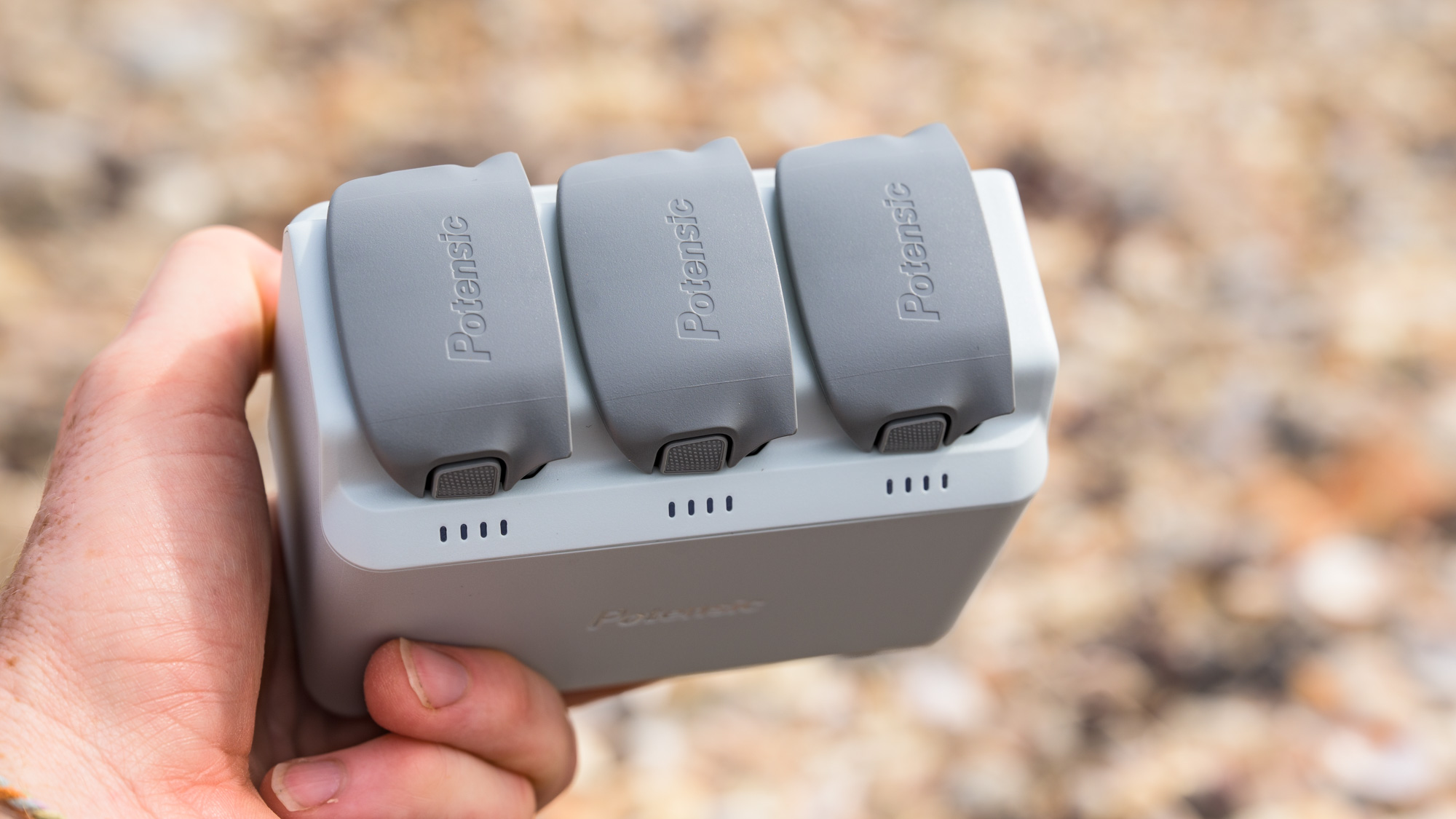
The Fly More Combo (with RC PTD 2 remote controller), which Potensic supplied for this review, comes with a padded zipped case that holds the drone, the charging hub with its two additional batteries, and the sizable controller. The case is notably larger than the one for the equivalent DJI Mini 4K bundle.
The touchscreen controller feels high-quality; the screen is huge, detailed, and provides a 1080p feed up to 60fps, with Potensic’s latest PixSync 5.0 video transmission system boosting the range from 10km to up to 16km, and reducing latency to 150ms. In short, the on-screen feed is smooth and immersive beyond distances that you’ll ever realistically fly over.
I found certain movements of the controller’s joysticks a little jerky, which spoiled some of my footage, but with practice I was able to find the sweet spots of those controls for smoother moves.
- Design score: 4.5/5
Potensic Atom 3: Features and flight performance
- Battery life quoted at up to 40 minutes; the drone typically lasted around 20 minutes in real-world testing
- No object sensing, just the usual downward-facing sensors for landing and takeoff
- Decent selection of flight and tracking moves, but some have frustrating restrictions
Potensic quotes a battery life of 40 minutes for the Atom 3, which is an improvement over the Atom 2, thanks to a 10% (approx) higher-capacity 2,590mAh unit, and on paper, this performance beats the comparable DJI; however, I didn’t get close to this in real-world use.
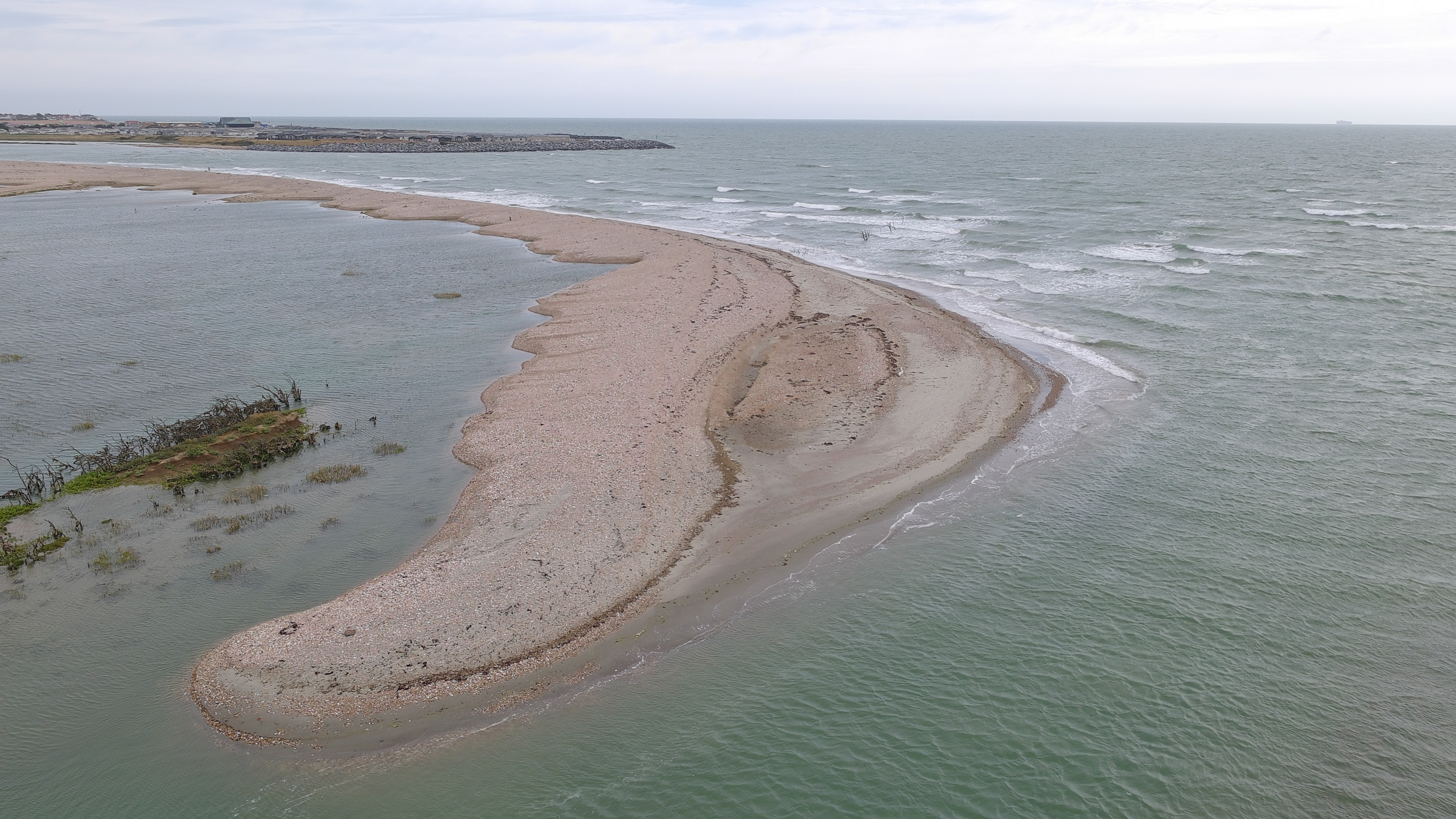
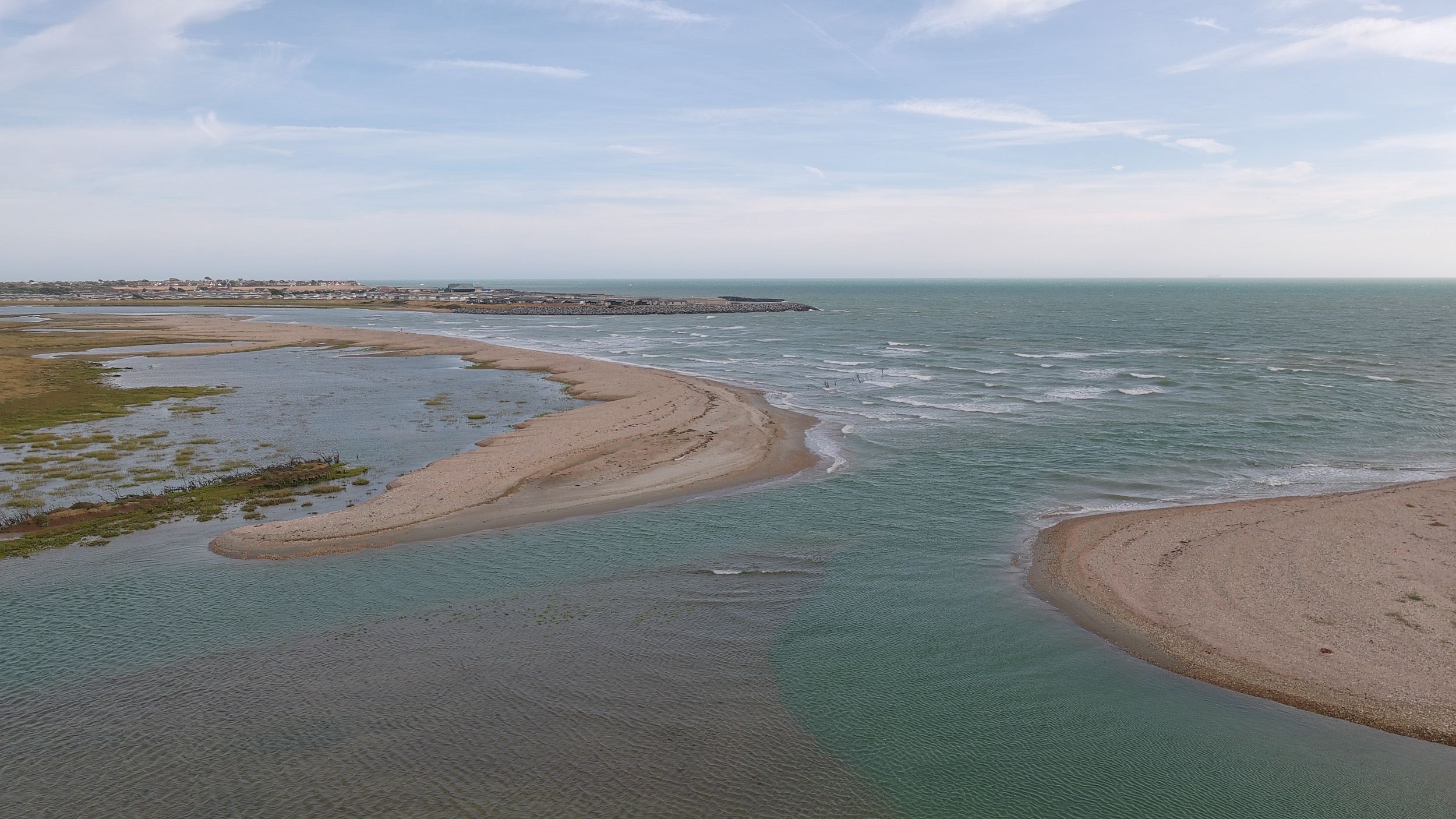
The best battery performance I got during testing was more like 25 minutes on a calm day, while in windy coastal conditions I rarely, if ever, got more than 20 minutes. The drone’s level 5 wind-resistance rating (19-24mph) seems fair, though — I used the Atom 3 in such conditions, and I found flight to be impressively stable and smooth, even if headwinds further drained the battery as I fought to bring the drone home when power was low.
When battery life drops to 10%, the drone automatically initiates landing (avoiding it simply dropping from the sky), so that’s something to bear in mind, especially if you’re flying over risky areas such as bodies of water.
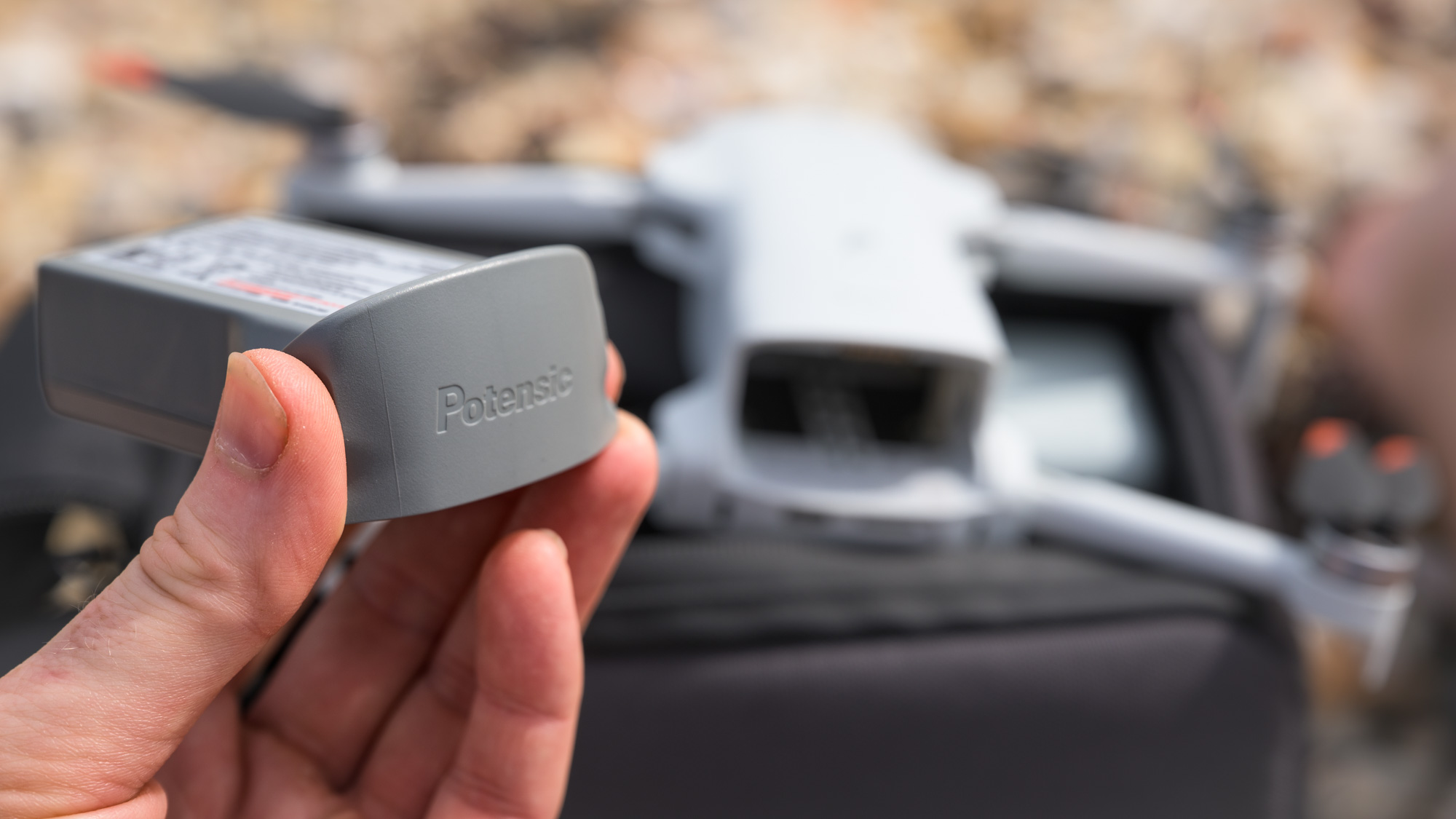
The Atom 3 has downward-facing sensors for takeoff and landing, with the useful Return to Home feature, but there are no front-, side- or rear-facing sensors, like you get with pricier drones equipped with omni-directional object sensing.
Six months ago I wouldn’t have expected any more from a drone at this price point, but DJI has since brought object sensing to the much more affordable Lito X1. If Potensic is to go up a level, adding this incredibly useful feature is the logical next step for the Atom series.
Return to Home (RTH) worked flawlessly, with the drone automatically updating its position at takeoff — there’s also an on-screen guide indicating where the RTH position is in relation to where the drone is in the air. It’s possible to update the RTH position mid-flight, say if you move to a different location during flight and want it to land at your new location.
For regular flight, there are three speeds to choose from, with the Sport Mode being the quickest at 16m/s (horizontal), 5m/s ascent and 4m/s descent. It’s not the quickest drone around, but it’s zippy enough for beginner use.
I really did miss object sensing, given that I regularly fly in object-packed areas to capture dynamic footage, so I needed to be extra cautious about where I flew the drone. It is possible to get smooth and stable-looking footage, though, after much practice to get a feel for the controller’s joysticks.
There’s a good selection of DJI-style ‘QuickShot’ flight moves, which perform an automated move using a selected subject as the reference point. To do this, you drag a box over the subject using the controller’s touchscreen (or your smartphone’s screen if using the basic controller). There are seven automated moves in all, including pull-away, rocket and boomerang.
I was happy to see three tracking modes too: Follow, Parallel and Spotlight, each of which keep your subject in the center of the frame as they move. ‘Follow’ tracks your moving subject from behind (though remember there’s no object sensing), while ‘Parallel’ does the same but from the side. ‘Spotlight’ simply keeps the subject central as they move around the frame.
The tracking modes are hamstrung by several frustrating limitations, while the omission of object sensing further limits where you can fly. For example, to initiate Follow, the angle of the camera needs to be pointed down a certain degree — in other words the drone needs to be quite high up.
For me, the most dynamic ‘follow’ footage would be from a lower angle. It’s possible to override the limit in the app’s menu, which requires checking the option to say that propellor guards are installed (whether in reality they are or are not). Even with the options selected to free up the drone for tracking from a lower altitude, I regularly found that the drone reset itself, reimposing the restriction.
I also found that the tracking functions gave up altogether in less-open areas, when the GNSS (GPS/ GLOSNASS / Galileo / BeiDou) signal was weak. One example was trying to get tracking video of myself biking in my local woods — the drone kept stopping just a second or so into sequences. I had no such issues in the same scenario when testing the DJI Mini 5 Pro (which also has omni-directional object sensing).
Those flight moves are great to have, but adding object sensing, and addressing the other limitations, would make them way more useful for dynamic footage.
- Flight performance score: 3.5/5
Potensic Atom 3: Image and video quality
- 1/1.3-inch CMOS sensor, 4K video up to 60fps
- Wider 24mm f/2.8 lens (vs 26mm f/1.8 lens of the Atom 2)
- RAW stills and flat P-Log video color profile provide editing latitude
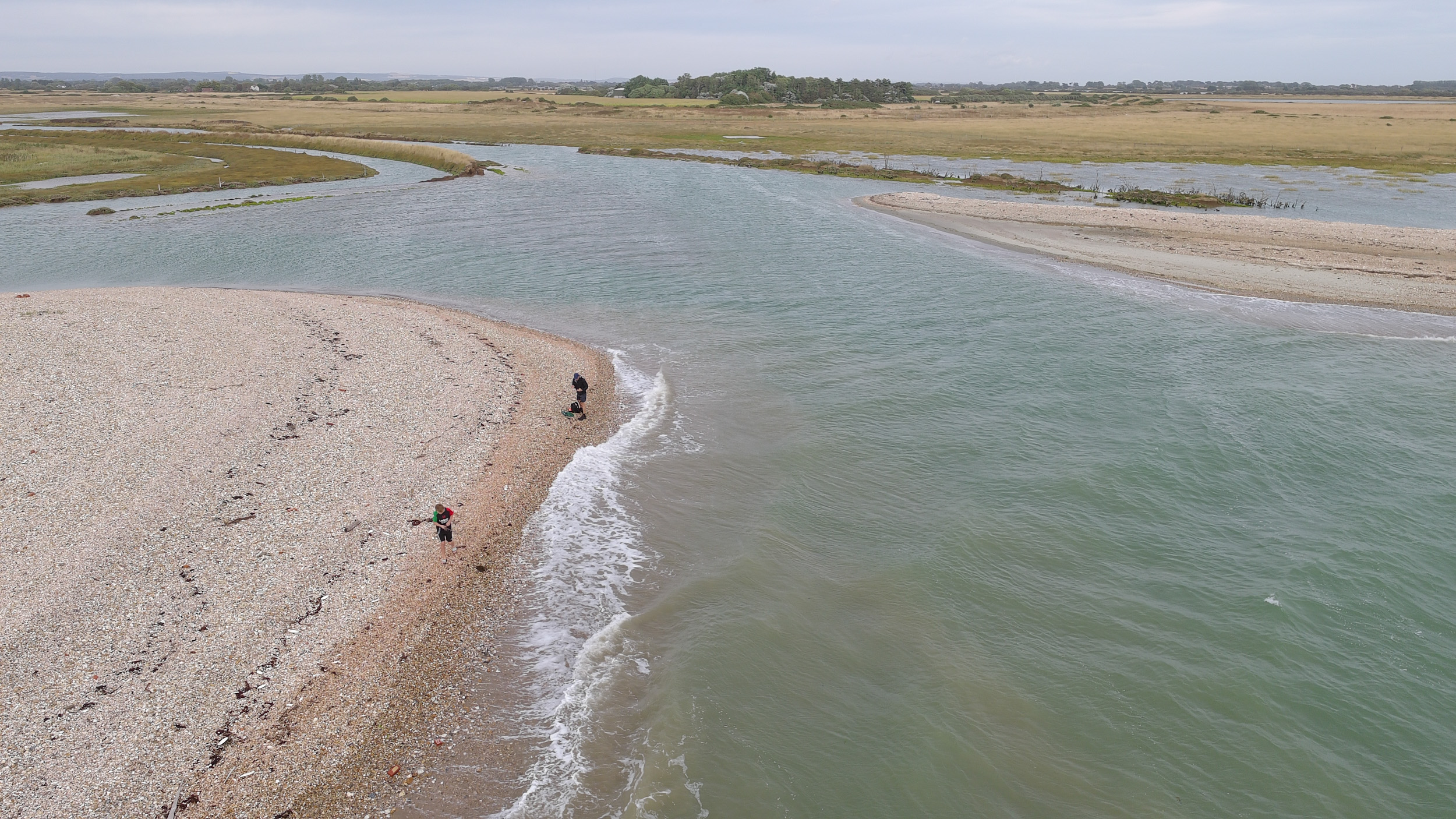
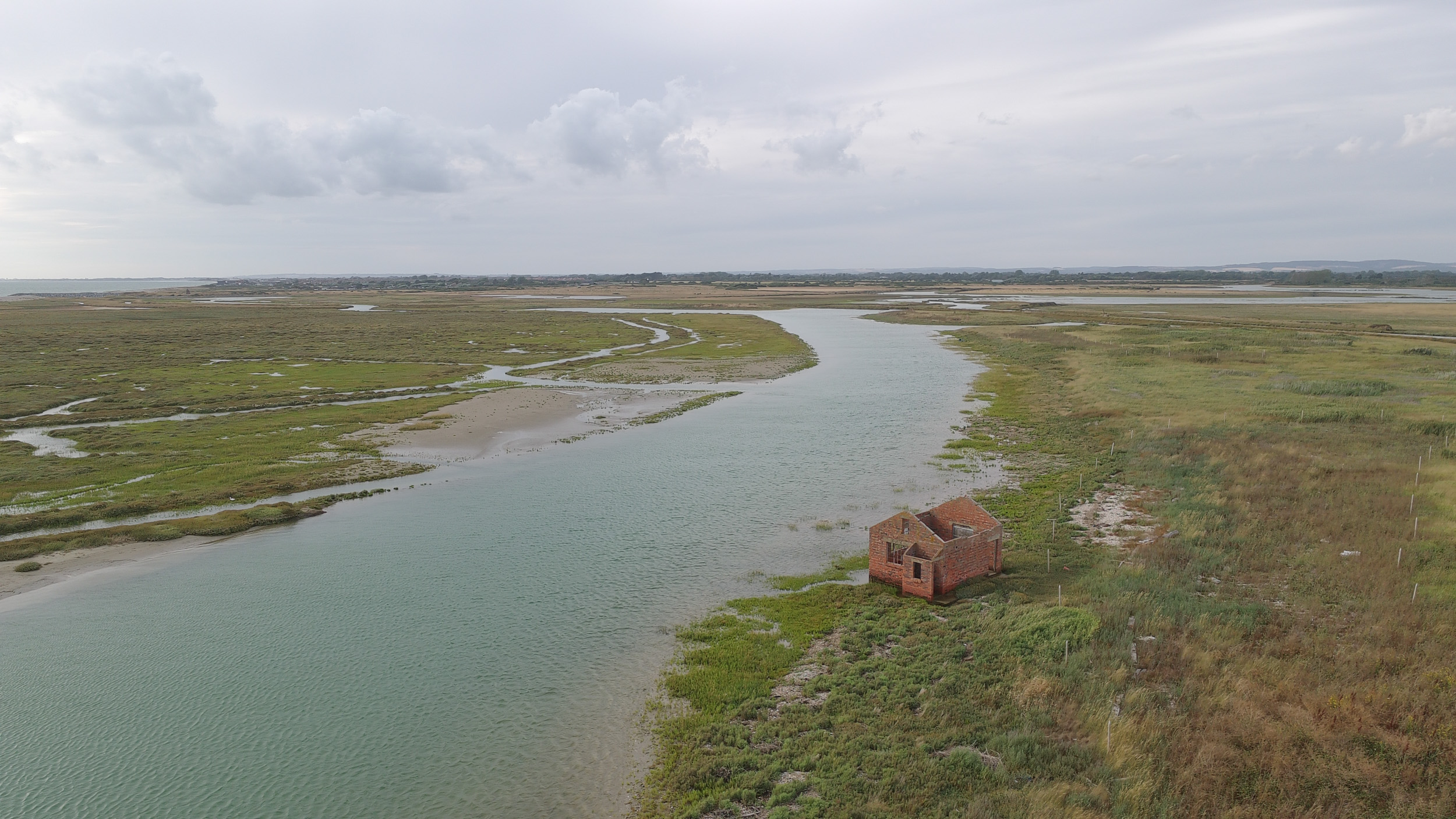
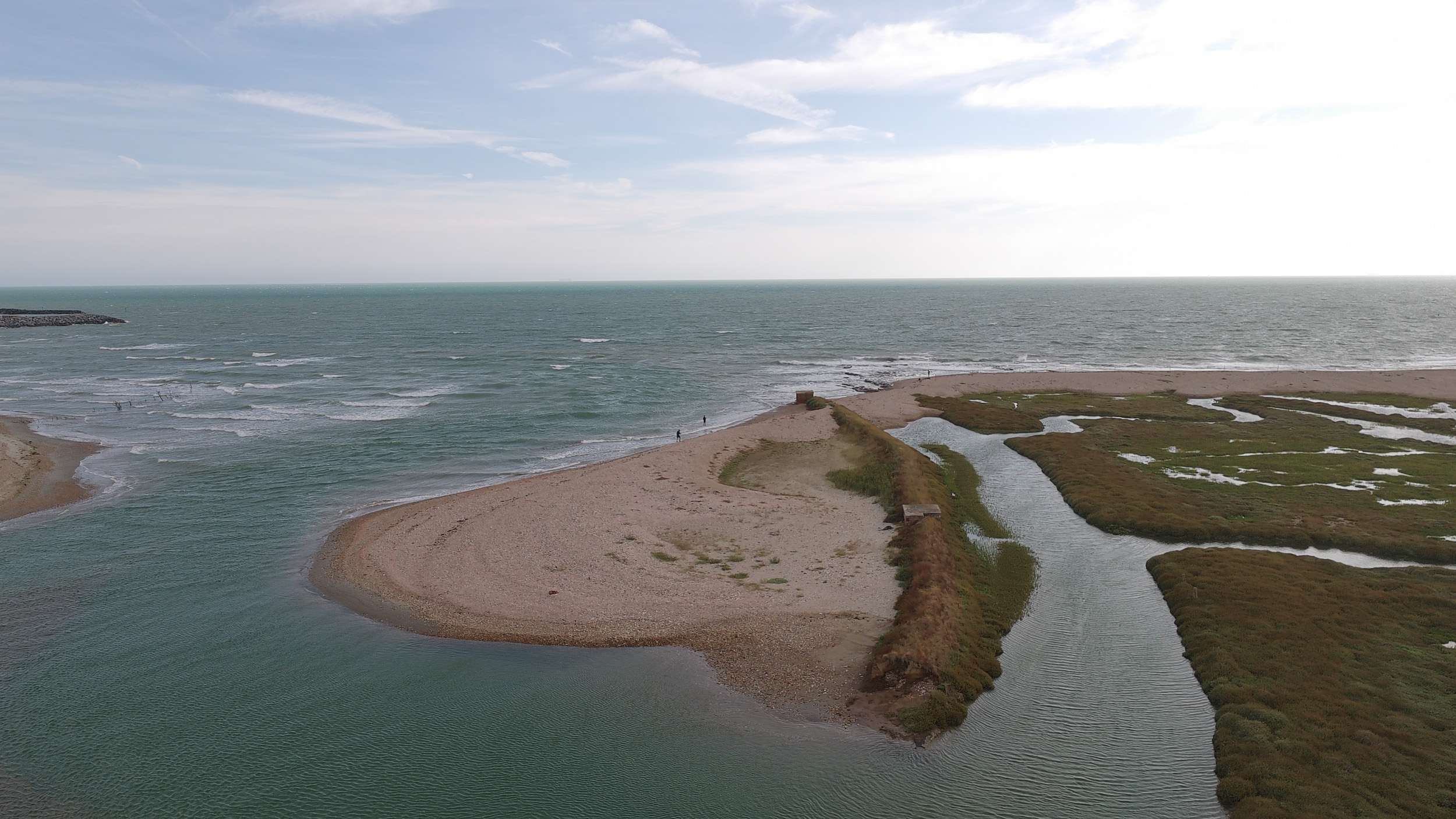
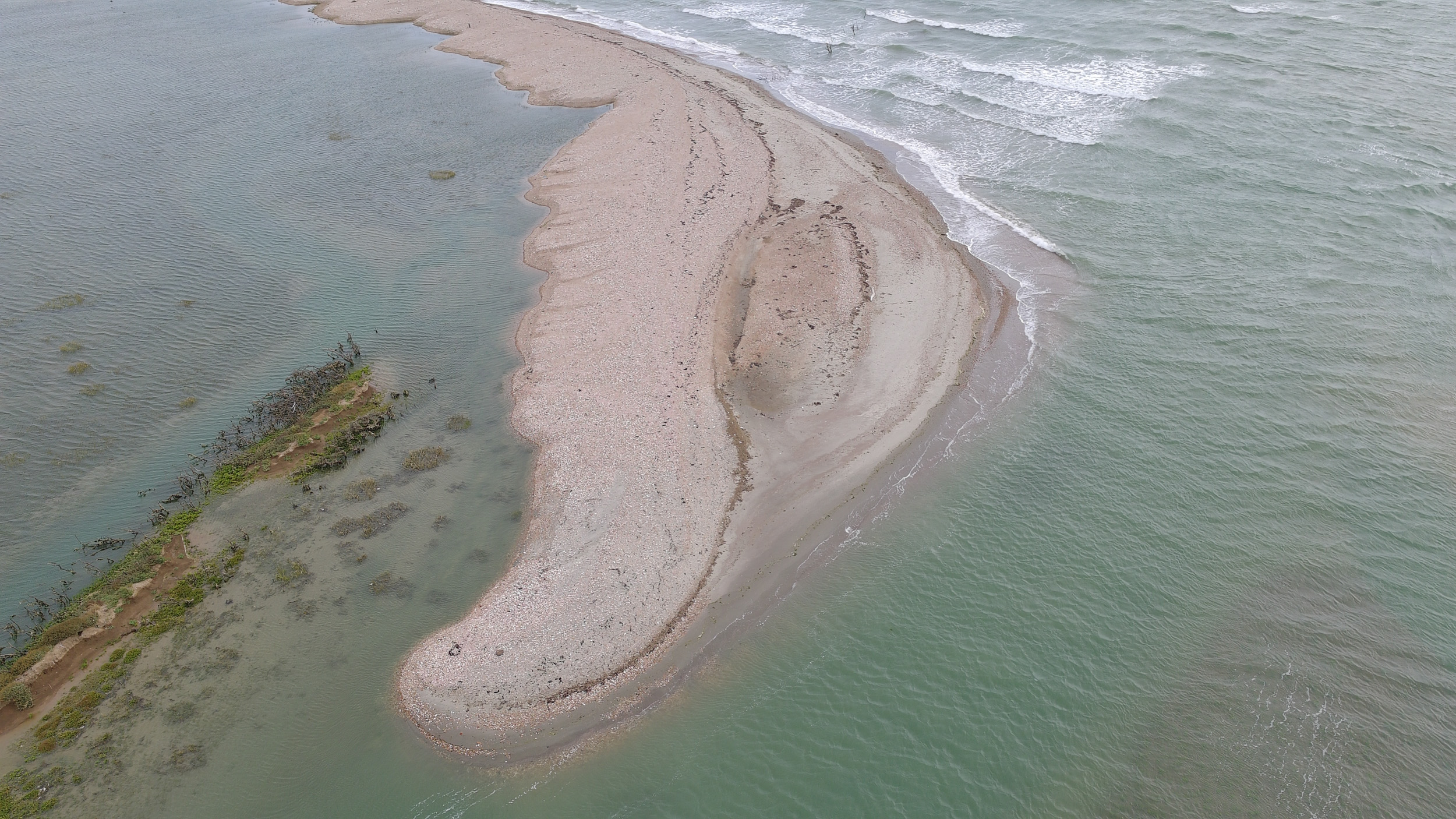
Video and photo quality are an upgrade from the older Atom 2, with the Atom 3’s camera using a larger 1/1.3-inch CMOS sensor that’s comparable to those in the DJI Mini 4 Pro / Lito X1, rather than the Atom 2’s 1/2-inch sensor. There’s also a slight change to the lens — it’s a wider 24mm f/2.8, where the Atom 2 uses a 26mm lens with brighter f/1.8 aperture, which somewhat counters the sensor-based advantage the Atom 3 has.
4K video recording up to 60fps can be done the easy way or the hands-on way, using the standard or detail-rich HDR profiles for ready-to-go footage, or the flat P-Log profile, which holds more detail in highlight and shadow areas, but which requires editing to taste later.
I tried all three profiles at 30fps and 60fps, and then took P-log footage to Adobe Premiere Pro for editing and compared the footage. There are incremental image quality gains when using P-Log, but on the whole I found myself happy with the quality of HDR footage, saving myself the editing hassle.
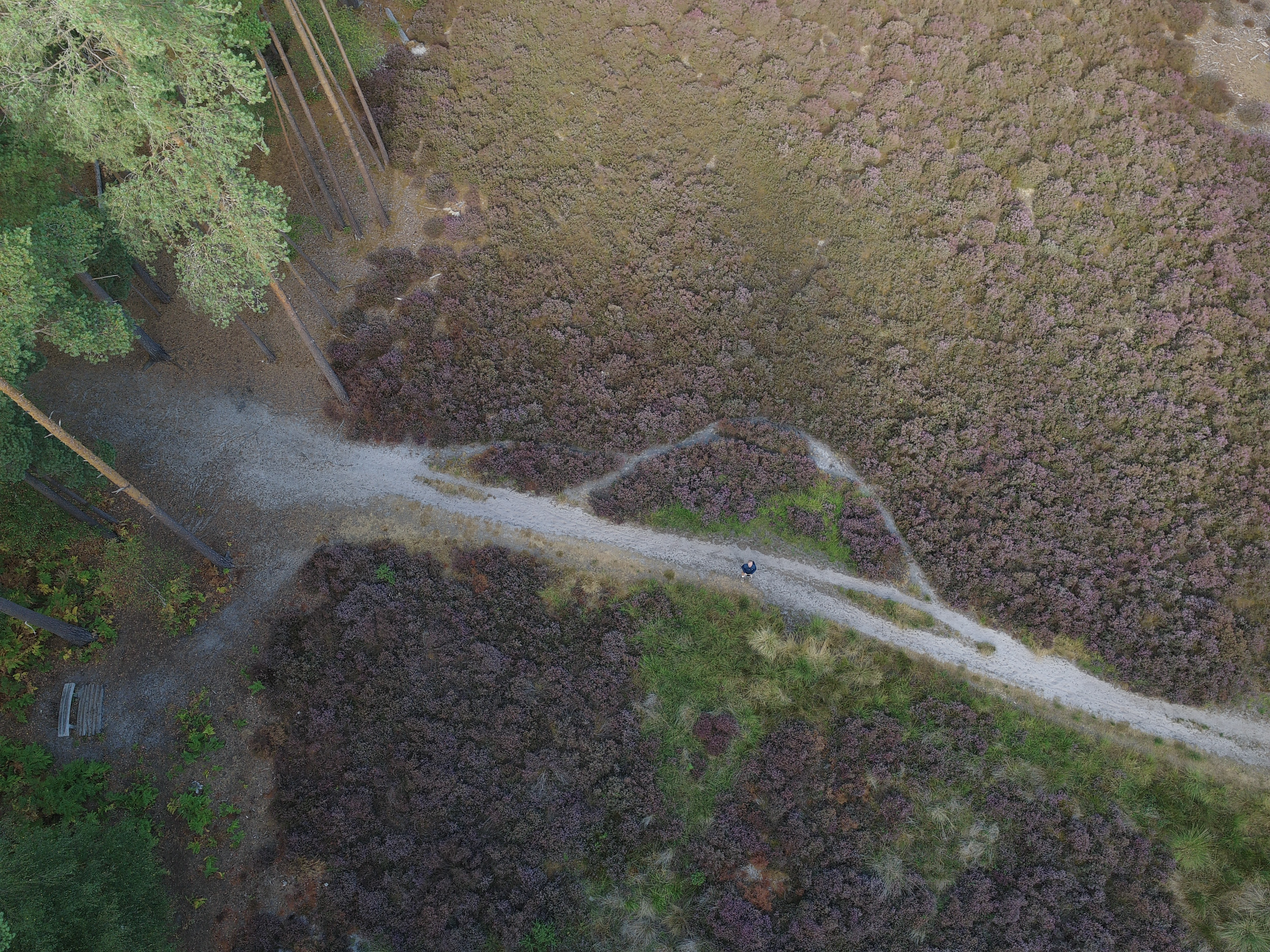
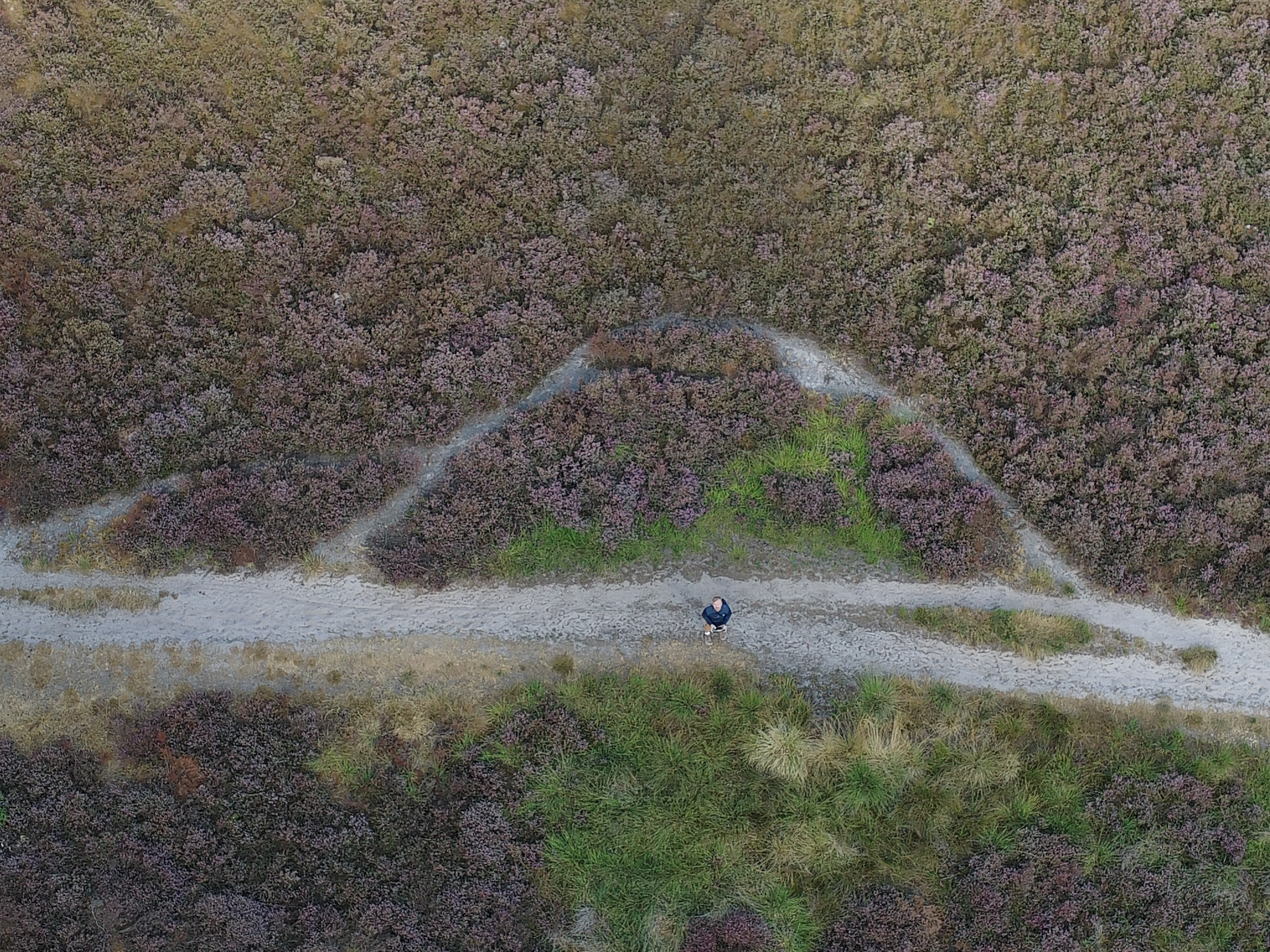
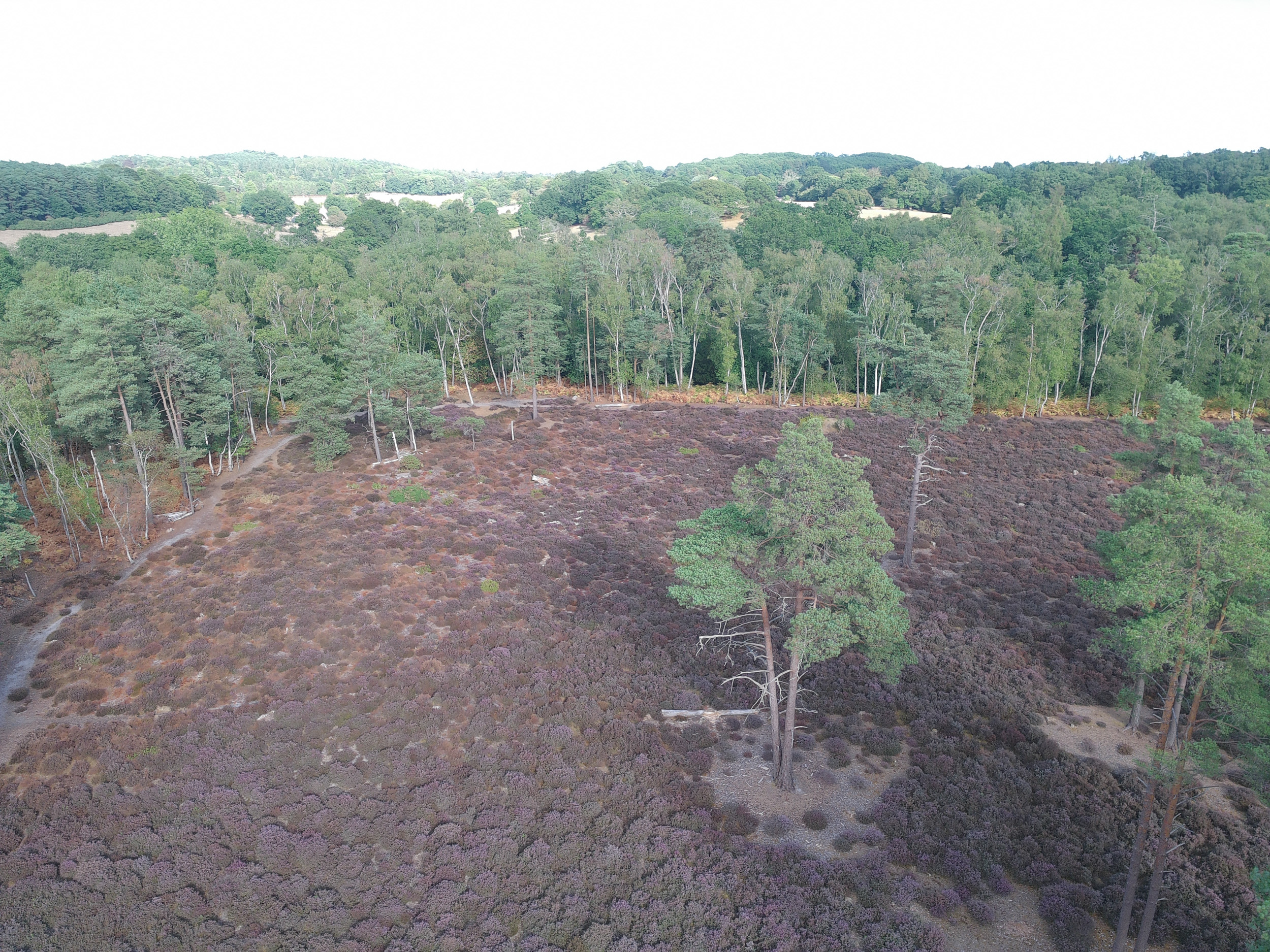
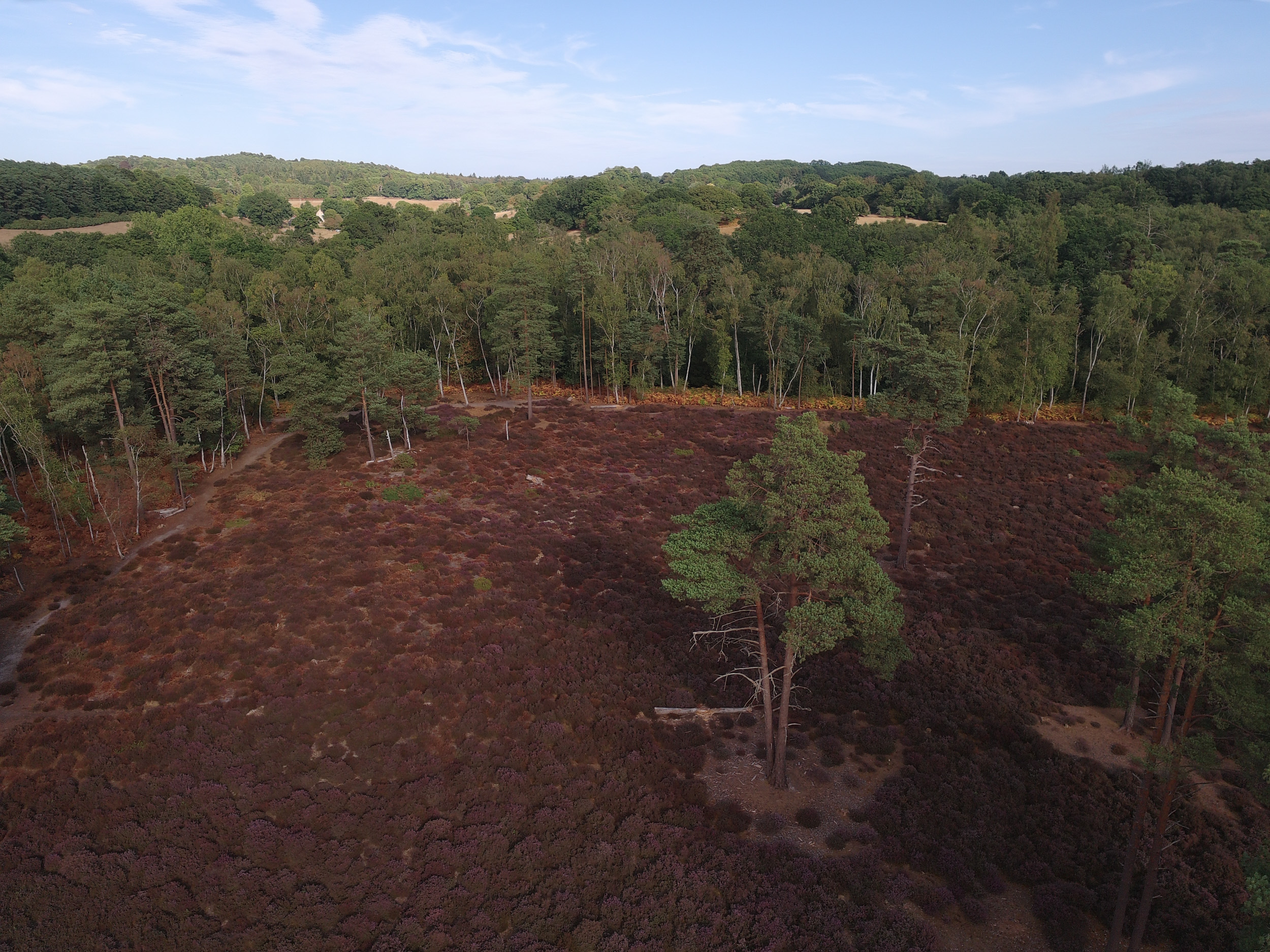



In addition to 4K video, there’s slow-motion capture up to 7x, but only in 1080p HD resolution. Meanwhile, stills are reasonable: 12.5MP as standard, or 50MP in the ‘8K’ mode, with JPEG and RAW formats available.
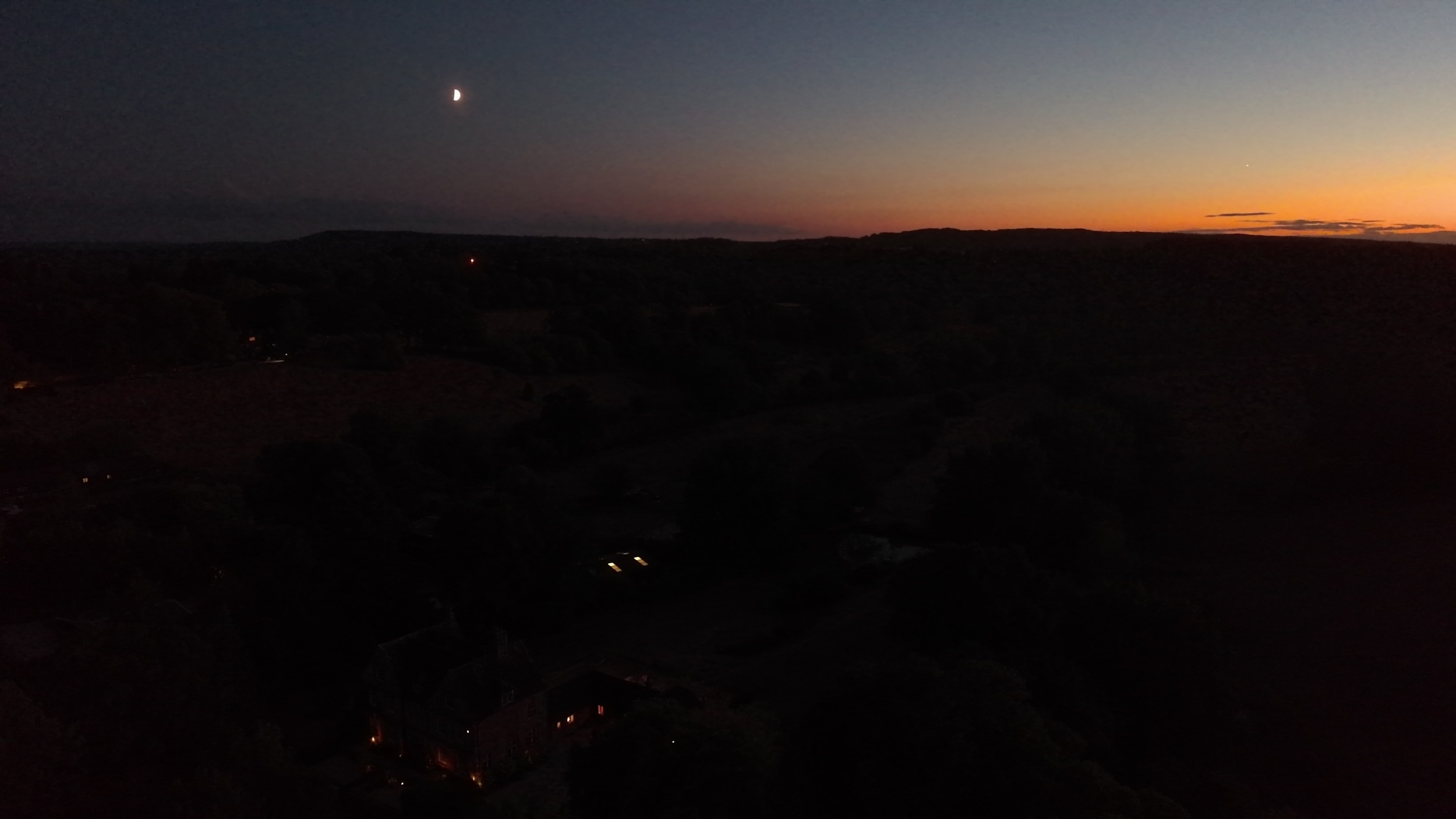
Where photo quality impresses is in how much tonal depth is retained, although images benefit from a little sharpening afterwards. Another option for further increasing shadow and highlight detail is the ‘bracket’ mode, which combines multiple photos at different brightness values into one with a wider range of tones, but the standard mode already does a good job.
Interval and burst shooting modes are also included, while a panorama mode combines multiple images into one ultra-wide perspective that covers 180 degrees, with the drone automatically capturing multiple frames one after the other.
I’d say image quality is just about on par with the DJI Lito X1 / Mini 4 Pro, and it’s clearly a cut above the recent Ruko model.


- Image and video quality score: 4.5/5
Potensic Atom 3: Testing scorecard
|
Attributes |
Notes |
Rating |
|---|---|---|
|
Price |
Competitively priced, but matched by the overall better DJI Lito X1. |
4/5 |
|
Design |
DJI-like build quality, immersive touchscreen controller (optional), no internal storage |
4.5/5 |
|
Features and flight |
Stable flying, sticky controls, no obstacle avoidance, flight modes hit with limitations |
3.5/5 |
|
Image and video quality |
Smooth video even in windy conditions, decent 4K video quality, punchy HDR setting, and detailed stills. Digital-only zoom, though |
4.5/5 |
Should you buy the Potensic Atom 3?
Buy it if…
You’re a US buyer and beginner pilot
With the Lito 1 and Lito X1 unavailable in the US, the Potensic Atom 3 gives budget-conscious American buyers another option to weigh against older DJI models like the Mini 4K.
You want attractive footage straight out of camera, plus the option of flexible editing
Attractive standard and HDR footage looks great, with no editing required, while a flat P-Log profile better enables editors to get the look they like from footage with wide dynamic range.View Deal
Don’t buy it if…
You plan to fly in places with lots of hazards
The Atom 3 has no obstacle-avoidance safety features whatsoever, but the similarly priced Lito X1 does. Some of its flight modes, such as Follow, didn’t work for me in obstruction-filled areas such as forests, either.
You want a super-cheap 4K drone
The Atom 3 is the best DJI alternative for beginners, but the Atom 2 remains a decent buy for less, if you can live without the latest model’s upgrades.
You want precise joystick control
Even the pricier RC PTD 2 controller by Potensic lacks the finesse I’ve experienced with DJI’s alternative controller, making cinematic movements a challenge. View Deal
Potensic Atom 3: also consider
DJI Lito X1
DJI’s Lito X1 is not available in the US, but for other regions it’s the better pick over the Atom 3, for a similar price. Video and photo specs are similar, but the X1’s flight modes are more polished and flight features are superior, including obstacle avoidance, which is lacking in the Atom 3. DJI has really made it tough for others to compete with the X1.
Read our in-depth DJI Lito X1 review
Potensic Atom 2
The Atom 3 is a solid upgrade over the Atom 2, with a larger sensor, high video frame-rates and 10-bit color depth with P-Log color profile. However, the Atom 2 offers a similar flying experience, and costs less.
Read our in-depth Potensic Atom 2 review
How I tested the Potensic Atom 3
- I tested the Atom 3 in a range of conditions — in daylight and at dusk, and in both calm and windy weather
- I shot video at every available resolution and frame rate combination, and still photos in all modes
- I assessed battery life and wind resistance over several flights in various conditions
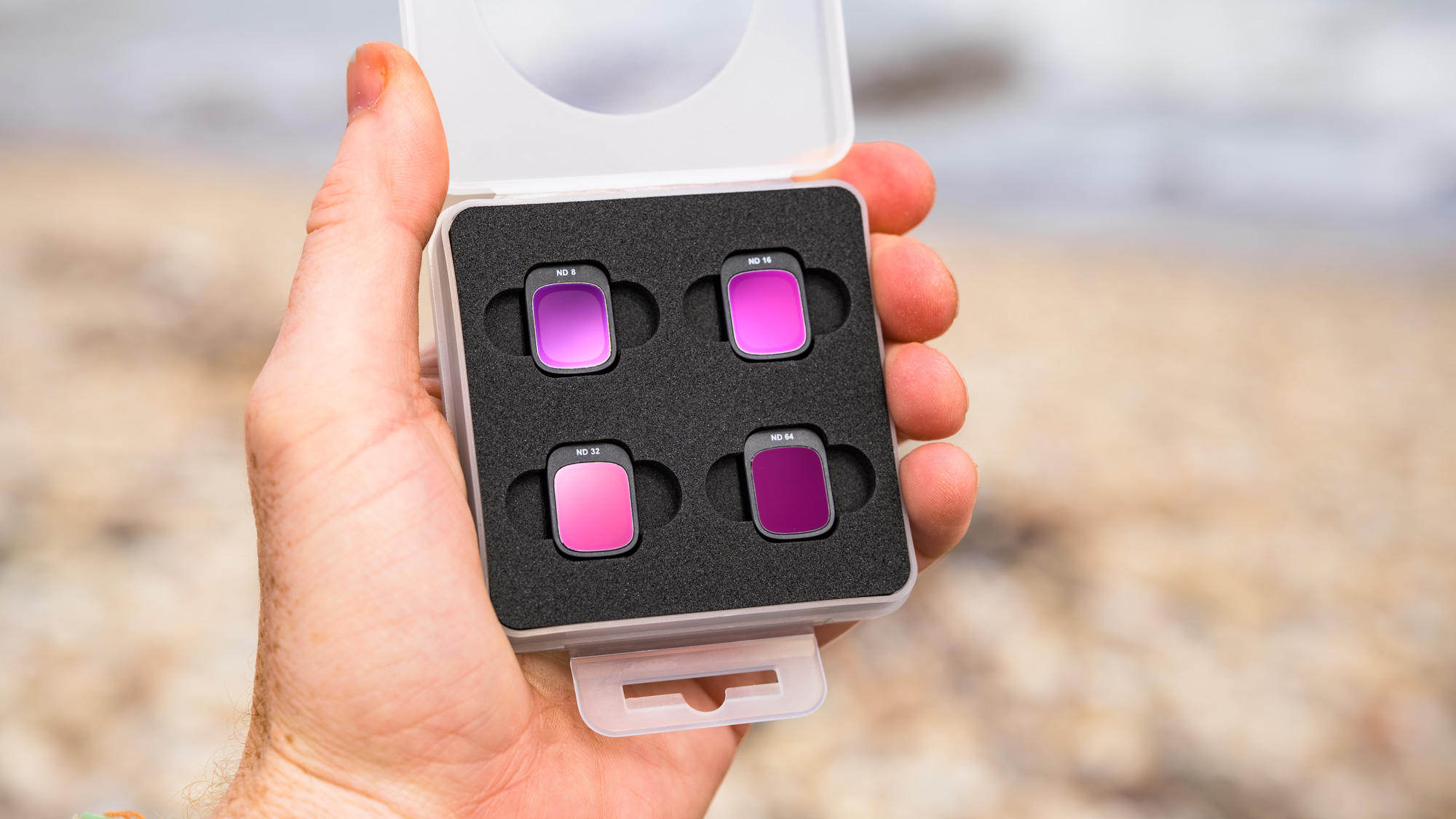
Potensic sent me the Atom 3 Fly More Combo kit with the RC PTD 2 touchscreen controller. The kit included the drone, battery hub with three batteries, controller, ND filter pack, spare propellors and a USB-C to USB-C charging cable.
I conducted multiple flights in daylight and in low light at dawn / dusk, and in both calm and particularly windy coastal conditions. I tried the various flight settings and modes, and regularly ran the three batteries down, making notes of real flight times and flight stability.
I took the same video sequences in the various color modes; standard, HDR and P-Log, and at 30fps, 60fps and 6x slow motion, and compared the 4K footage. I also tried the various photo modes, including RAW & JPEG capture, panorama and 8K (48MP) modes. I edited photos in Adobe Camera Raw and videos in Premiere Pro.
- First reviewed: September 2026
- Read more about how we test