


BenQ MA270S review: After 166 days of testing, I’m confident creators will adore this 5K 27-inch Mac Studio Display alternative as much as I do
Over the past few years, I’ve become absolutely fascinated and have fallen in love with BenQ monitors. I love how they have become more Apple-esque, yet they include some features that most people wish Apple would add to their monitors. While I would love to have a studio display someday, I think that the quality would be amazing.
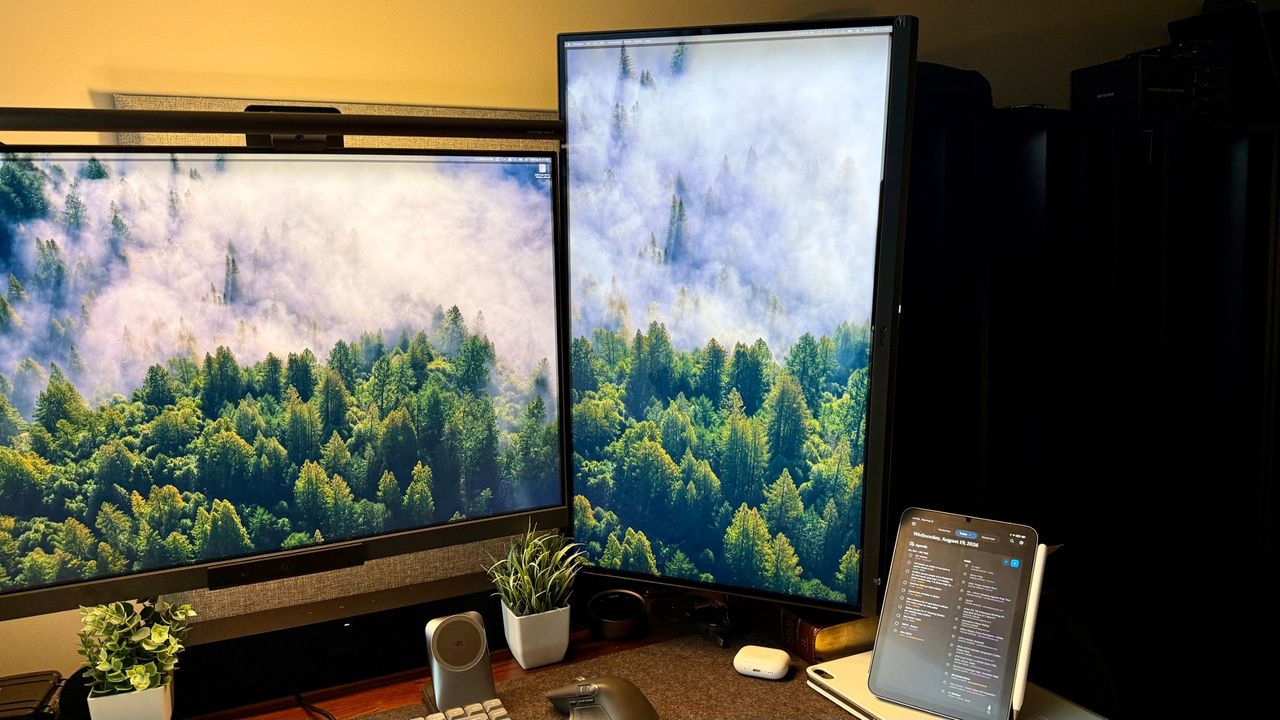
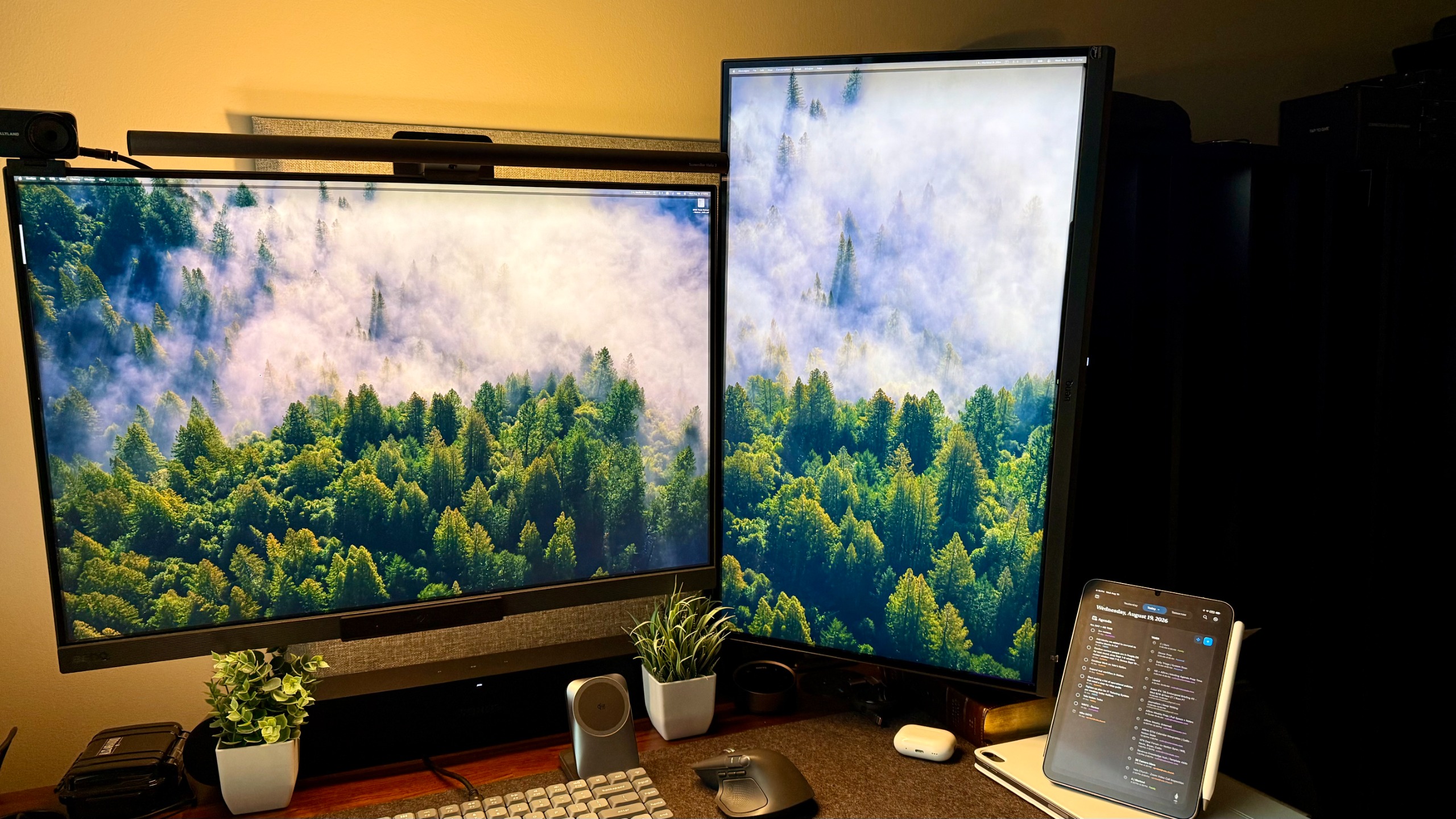
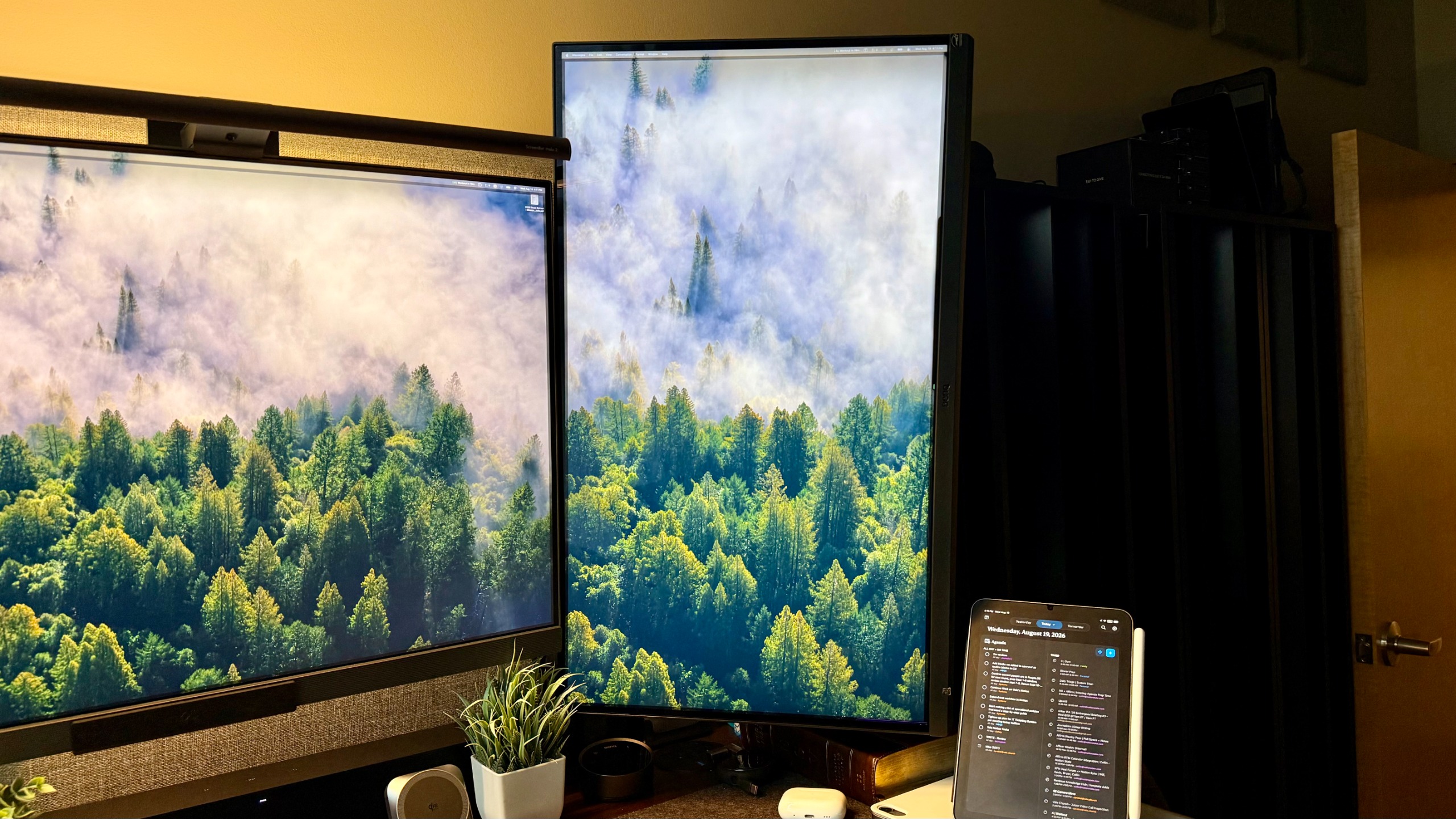
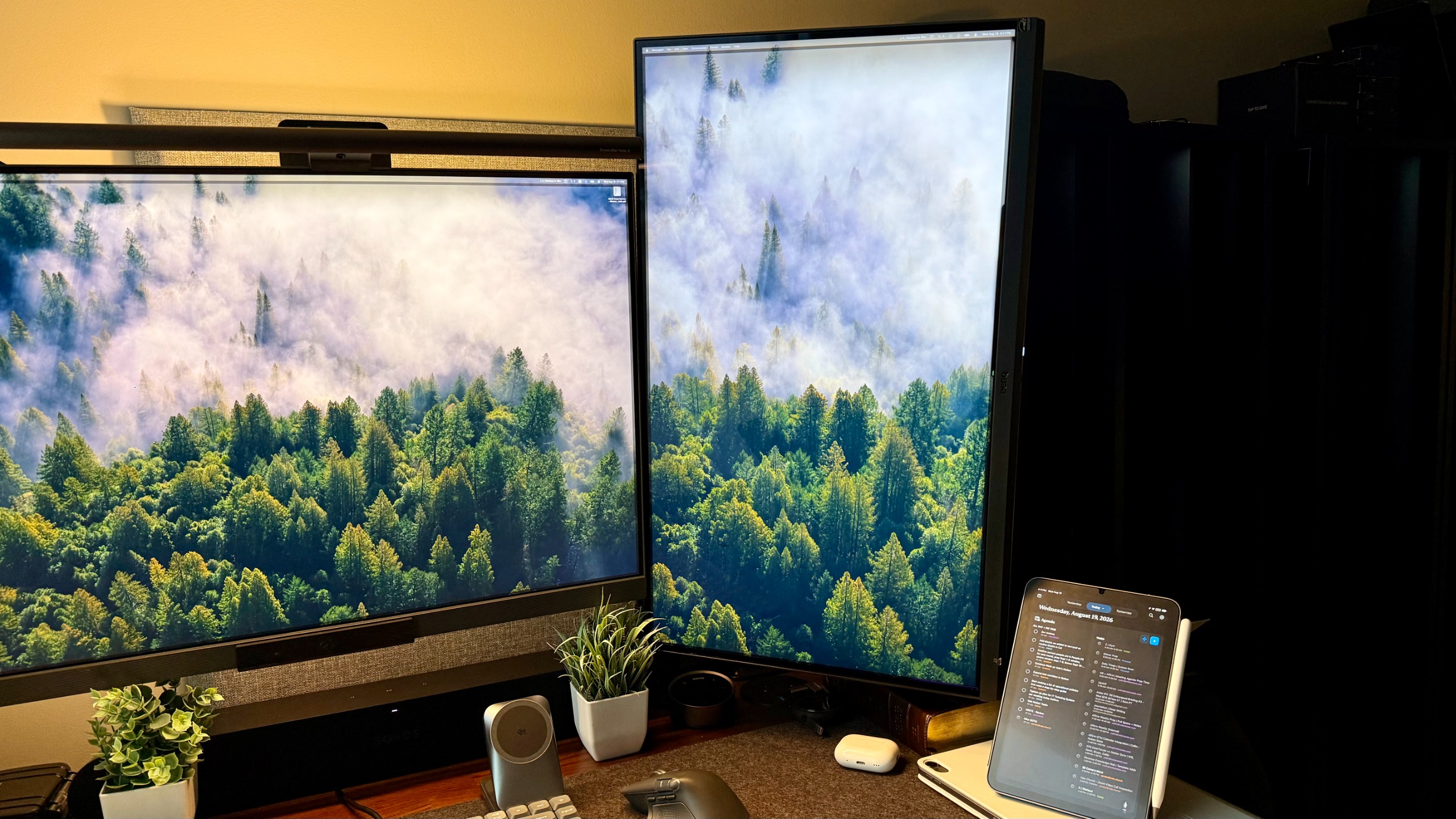
I am absolutely loving my MA series monitors across several of my workstations. I’m still loving my MA320U on my main desk in my home office studio, but the MA270S has made its home as the vertical monitor in my setup, where I currently have my RD monitor as well.
This panel is unbelievably crisp, integrates with everything in my DisplayPilot 2 app, and offers extra ports. It’s got a halfway decent speaker for virtual meetings, though I wouldn’t listen to music through it beyond background lo-fi. All around, this monitor has been an absolute treat for a ton of reasons.
BenQ MA270S: Price and availability
The BenQ MA270S retails for just under $1,000 on BenQ’s website. It’s also widely available from online retailers, including Amazon.
If that price doesn’t scare you and you’re looking for a 32-inch variant, they do have an MA320UG panel that is the same type of panel, just 32 inches. Make sure you check that one out if you’re interested.
BenQ MA270S: Unboxing and First Impressions
The unboxing experience for this monitor is much like that of every other BenQ monitor I’ve tested. It comes in a simple brown box that’s somehow still very well packed and secure. In the box is the monitor or panel, the stand, documentation, and every cable you could possibly need.
That is one thing I will always appreciate about BenQ: they include every single cable, regardless of how you use this monitor. If there’s an HDMI option, they include an HDMI. If there’s USB-C, they include USB-C, so you can get up and running right away.
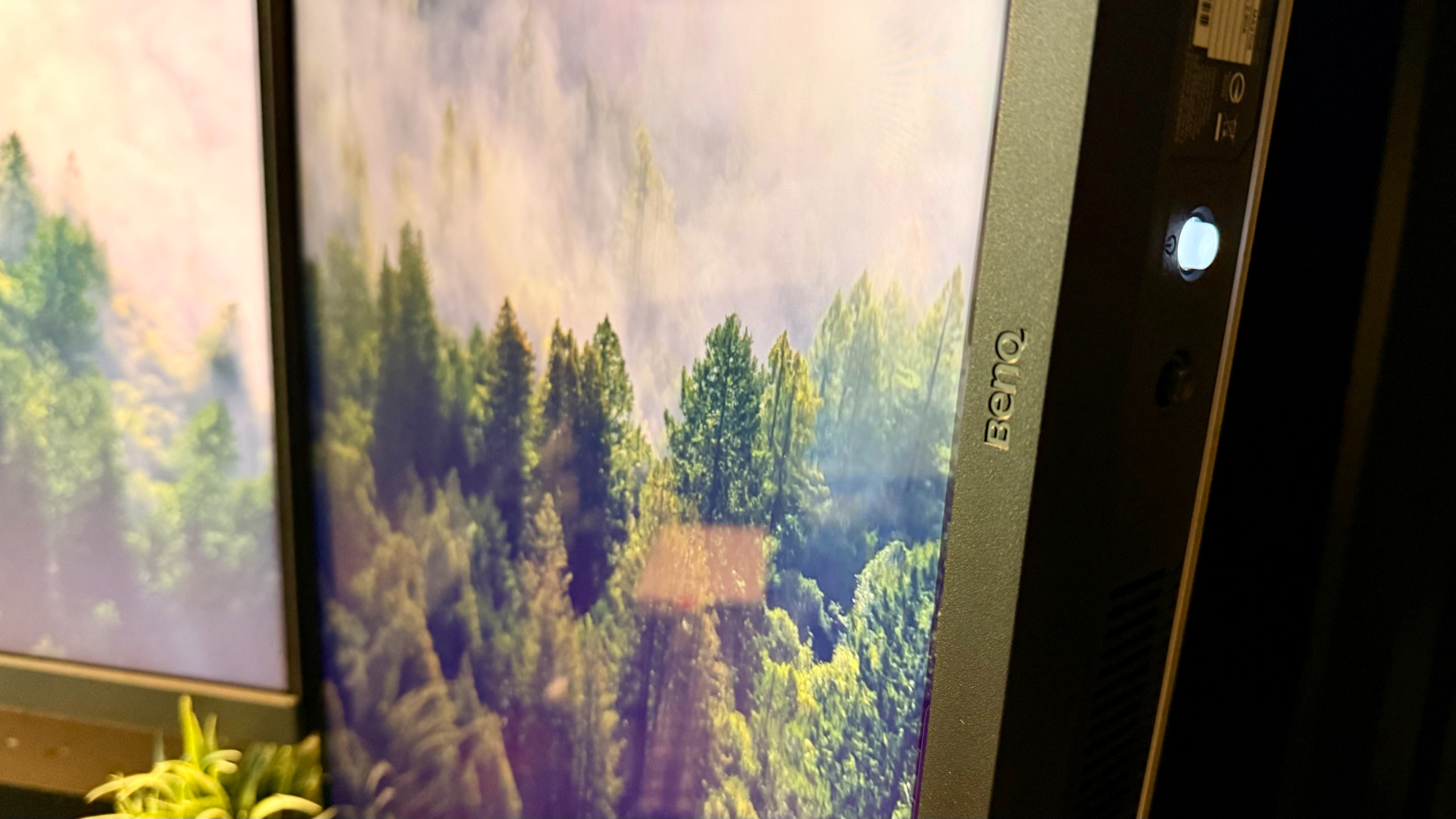
The first time I laid eyes on the monitor, I immediately recognized how glossy the first panel was. Of course, that could be an issue if you’re in a high-glare area, but I decided to put it to the test anyway. It took me exactly one second to know exactly what I wanted with this monitor.
I added it to my test setup that already has a BenQ R/D monitor. I knew this would be a perfect vertical monitor, even though there’s a difference between the slightly matte display on the R/D monitor and the glossy display on this one.
Plus, to the left of my desk is a window. I have a semi-transparent shade on it, but still, there’s a window. I did worry for a moment if there was going to be too much glare, but after setting everything up, I completely forgot that it was a concern. I was able to get to work immediately. Now, 100 days later, I am absolutely thrilled with this monitor.
BenQ MA270S: Design & Build Quality
As I briefly mentioned above, this monitor is incredibly clean. It comes with everything in the box, which is awesome. It has a fairly high-gloss finish. This is the kind of glossy finish that you would find on a studio display.
This is the kind of glossy finish that you would find on a MacBook or on a high-end creative laptop. It’s beautiful. It’s not just glossy for the sake of being glossy, but it’s glossy to show just how sharp the image is, how beautiful the blacks are, and how vibrant the colors are.
That, plus the native integration with Apple’s walled card, makes this monitor an absolute dream to use with a Mac. While I have used this desk setup with a PC, I prefer to use it with my MacBook Pro M4 Pro 14-inch. I can plug in a single cable through a docking station, technically, too, and run both these monitors without any problem.
When I need to just listen to a little bit of music or join a virtual meeting and I don’t want to use my soundbar, I can run the audio through this monitor. While it’s not great, it could get the job done before a virtual meeting if that’s all you need it for, or maybe some lo-fi background music. If you’re trying to actually listen to music or need to play audio for some other reason, I would suggest using headphones or an external speaker.
The bezels on this are sharp. The port access is phenomenal, and the ability to fit a clean Mac desk setup is truly uncanny. Sure, there’s still a part of me that wishes I could have a studio display; however, with every upgrade to the BenQ Mac-specific line-up, that desire shrinks a little bit, by little bit, by little bit.
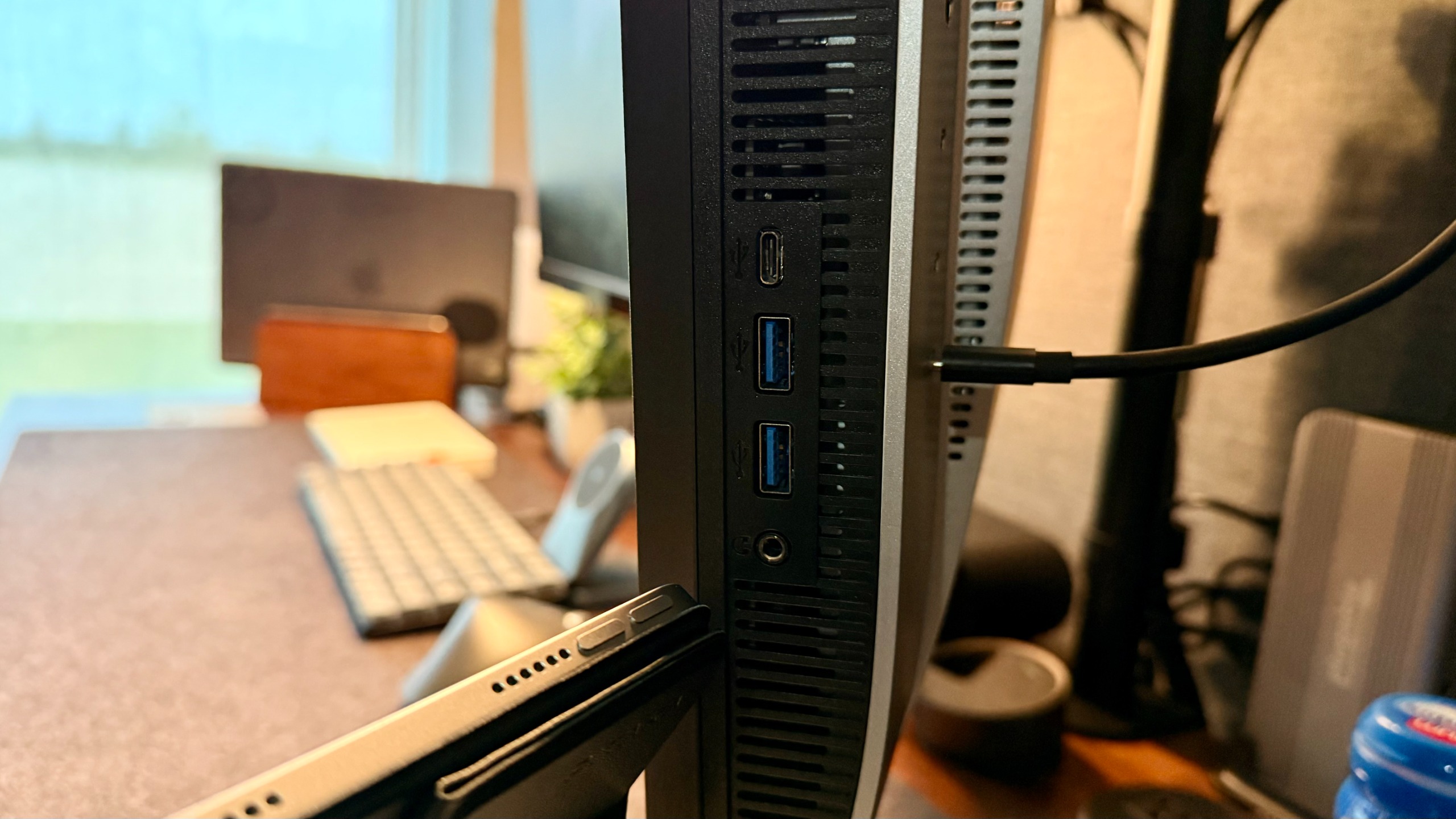
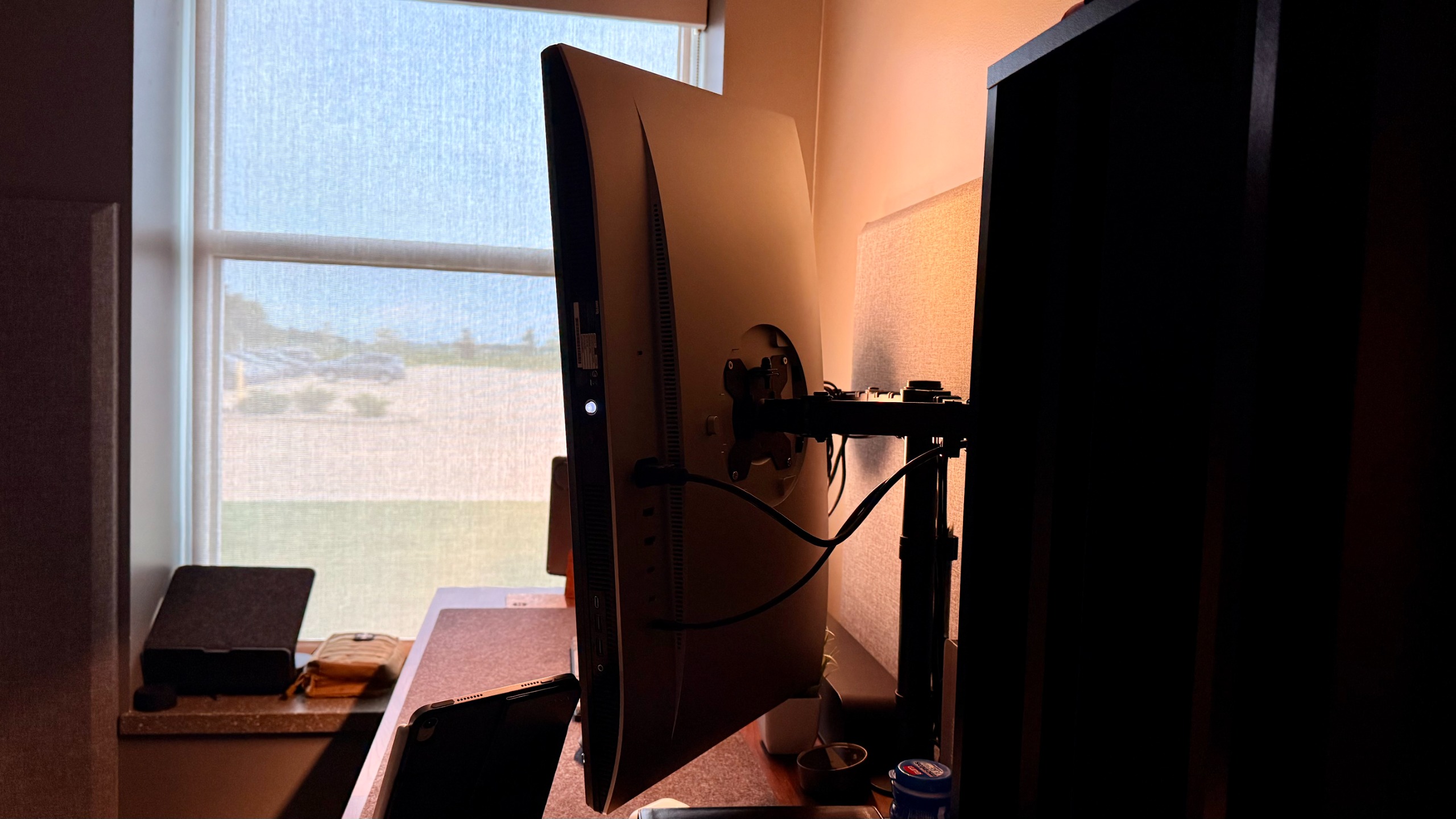
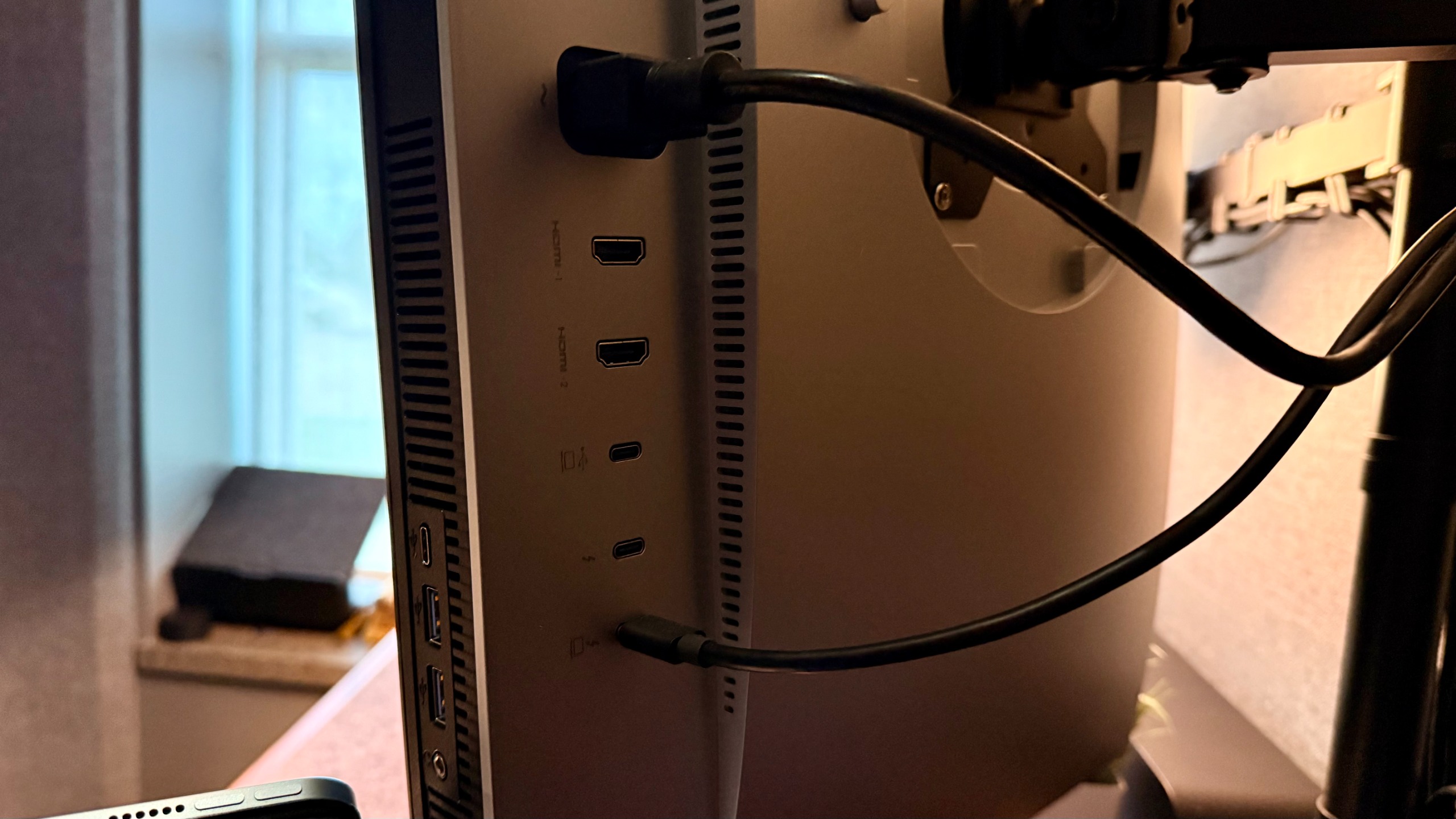
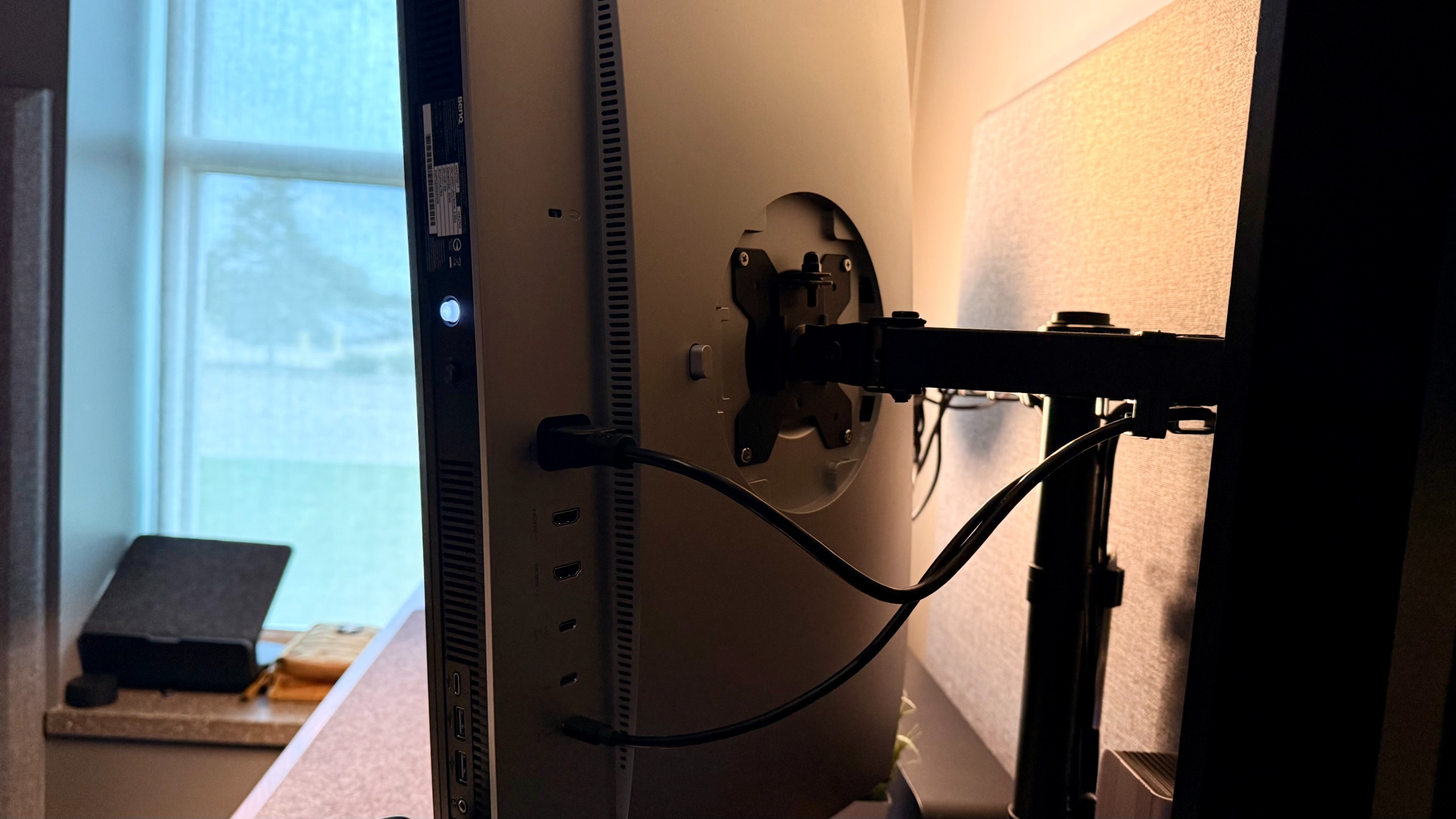
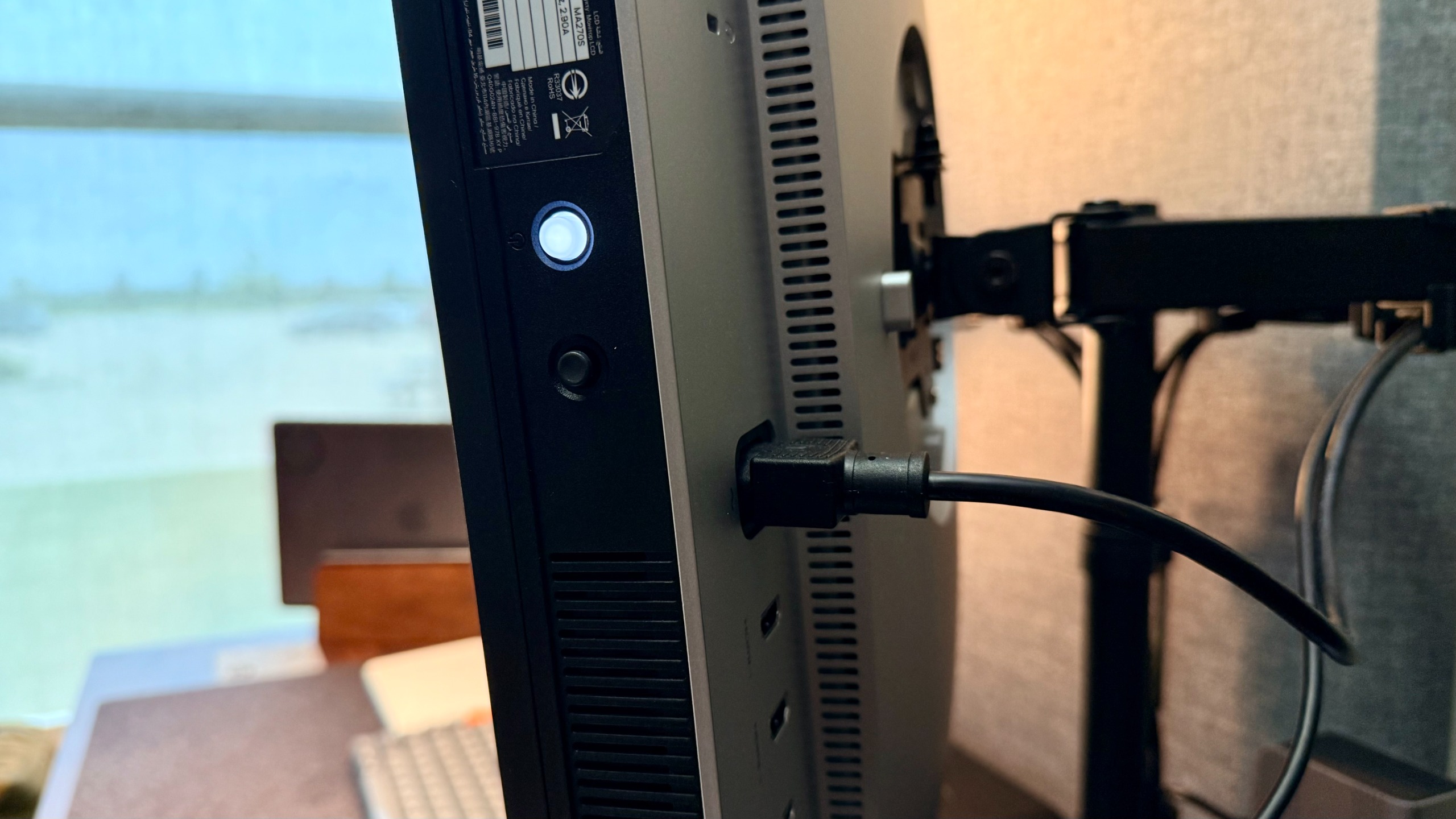
To bring me back to the ports for a moment, I genuinely appreciate that BenQ doesn’t try to hide their ports under some sort of breakable plastic cover. Instead, they make the cables highly accessible, pointing directly over the monitor to avoid the cable dangling down underneath the bezel and being visible from the front.
The ports are firm yet not difficult to plug things into. They are well spaced, leaving room for even awkward cables, and they’re in a good position. All around, a big win for me.
I’ve said it once, maybe even twice now, but I’ll say it again: this is essentially BenQ’s version of a 27-inch studio display. While the studio display has better speakers and a built-in camera and mic, this display wins out in pretty much every other category.
It’s easy to set up and easy to use with both the Apple ecosystem and others, in case you need to plug in something else. It’s got spectacular color accuracy, a beautiful panel, high resolution, a nice gloss, and it functions just as beautifully as it looks.
BenQ MA270S: In use
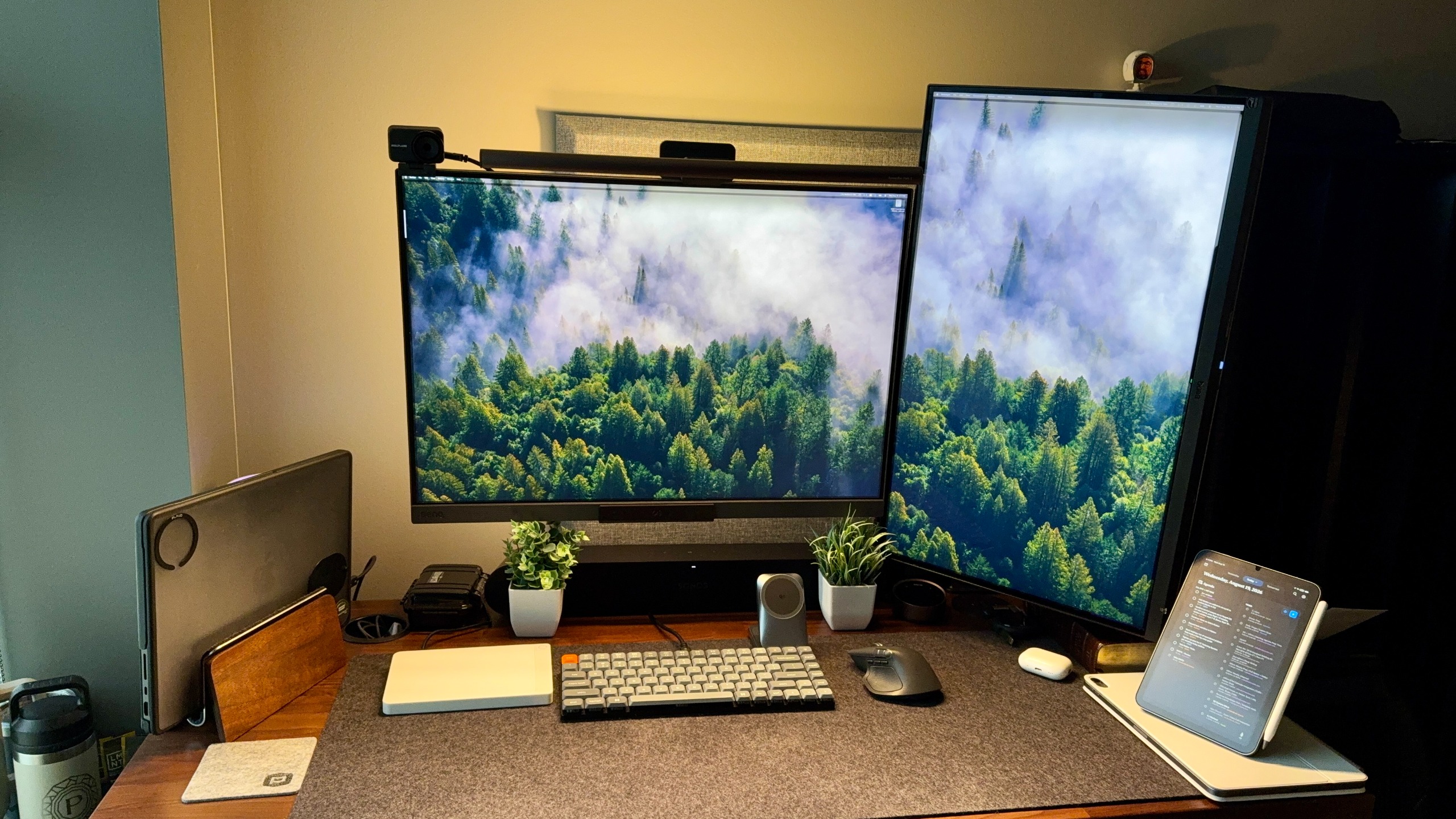
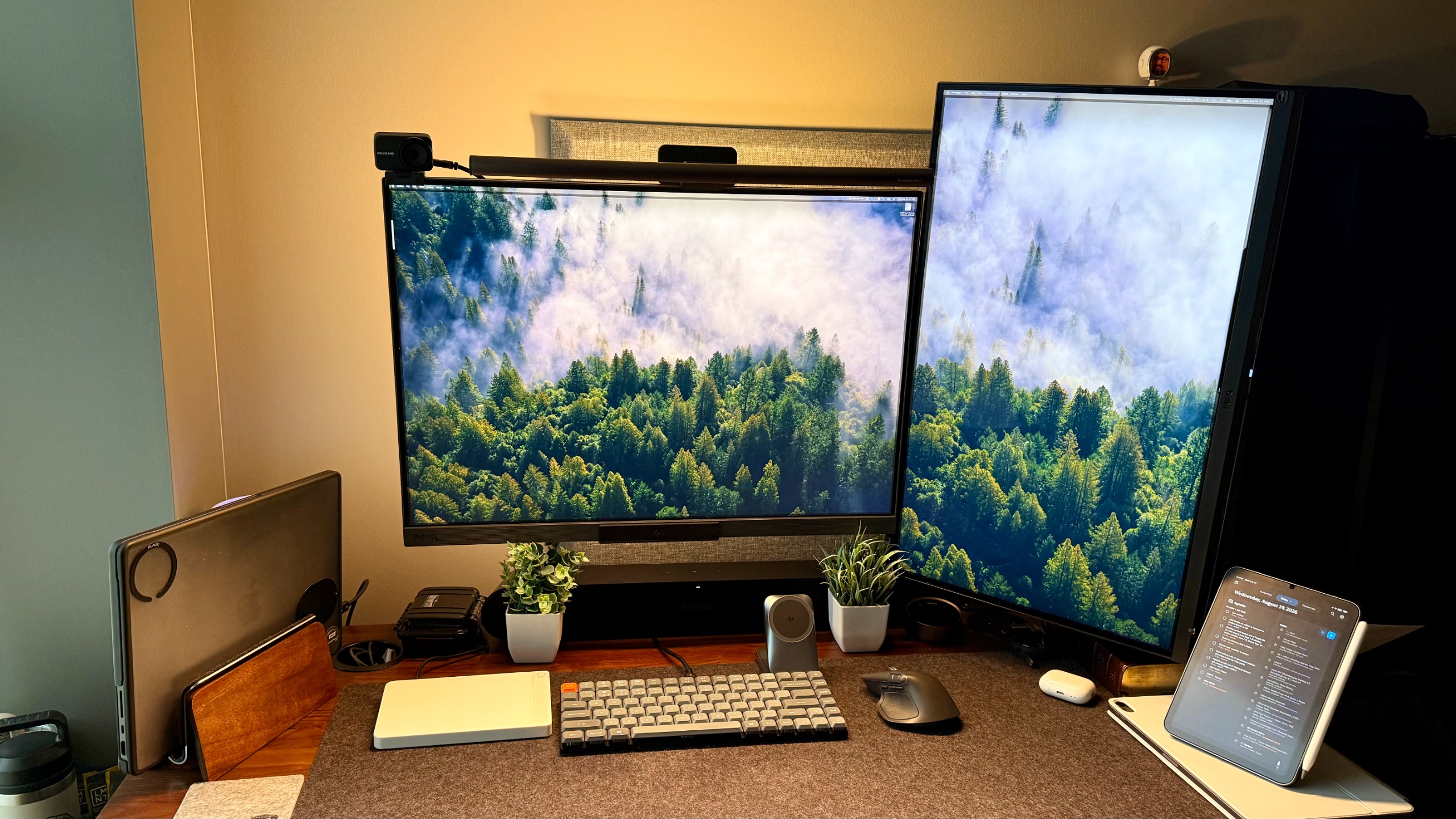
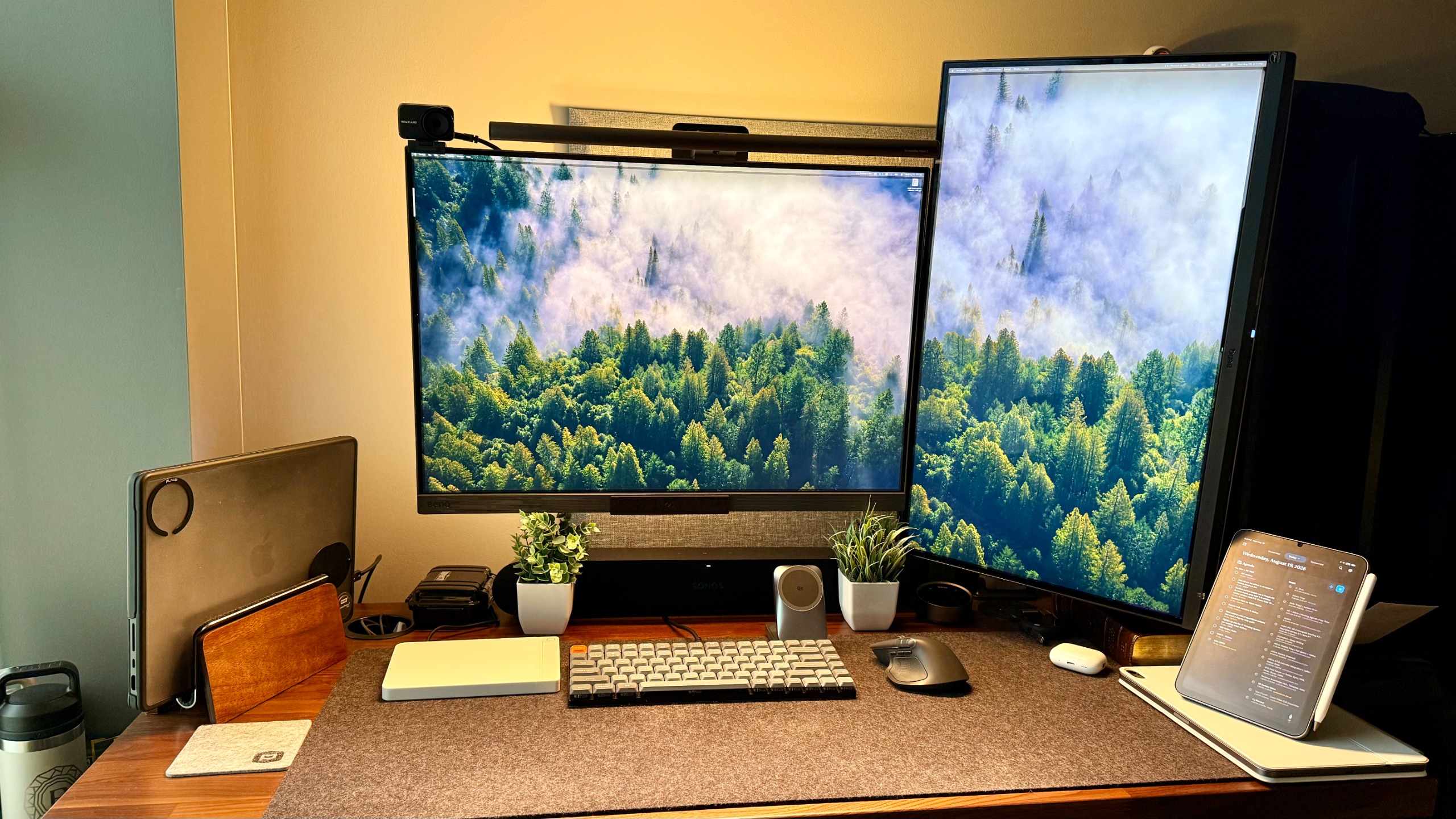
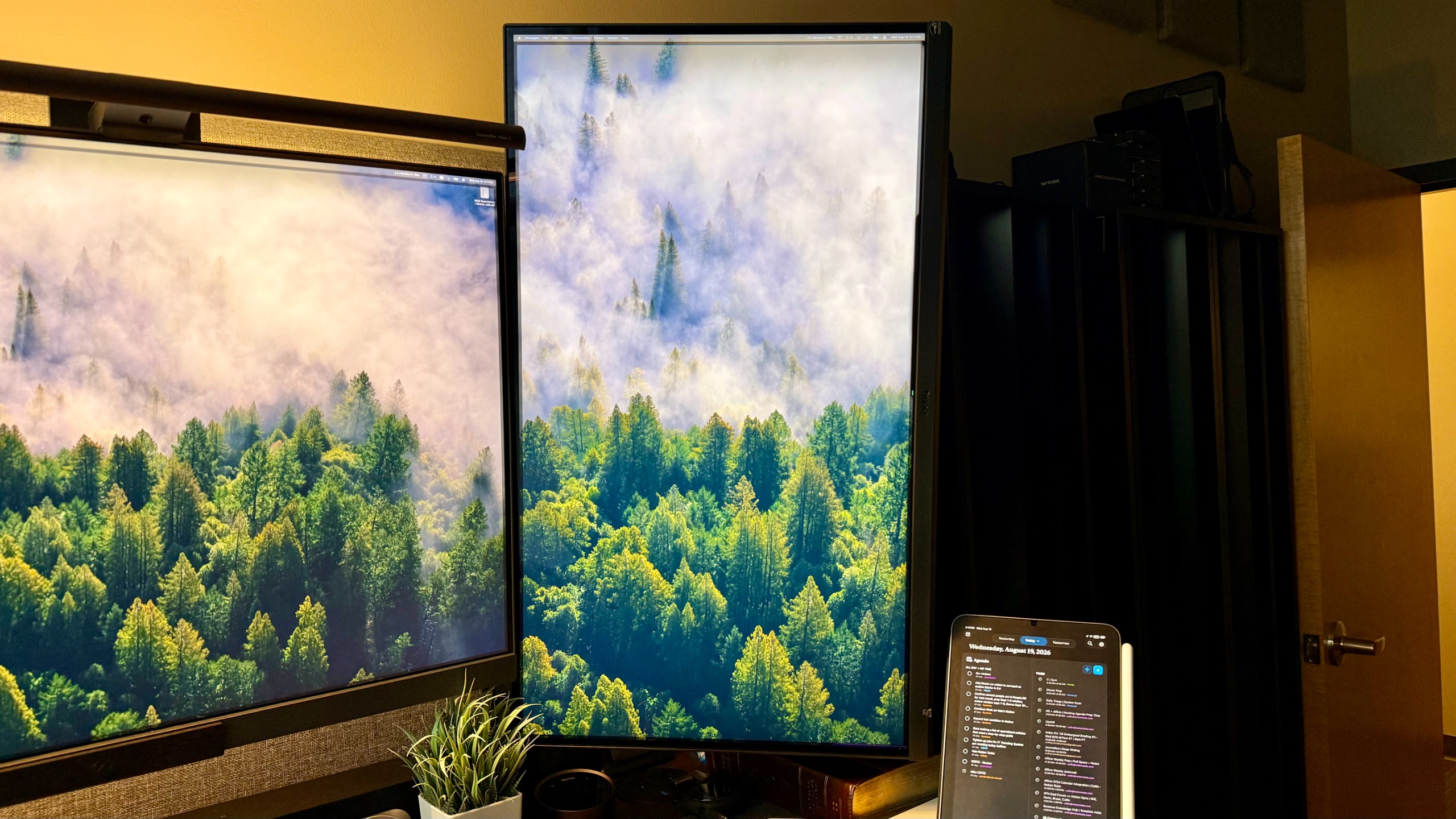
Looking back at my arrival date, I’ve had this monitor for exactly 166 days as of this review. In that time, it has lived almost every single one of those days on my desk in the photos as a vertical monitor paired alongside my BenQ RD series monitor.
It truly is a remarkably good 5K monitor, especially with the built-in features that let me adjust brightness and volume directly from my keyboard. I’ve used this monitor for accessing emails.
I always have my calendar, some messengers, and reminders up on this monitor, as I can have it scaled up to the smallest size Mac offers and still see every single line super crisp. Unlike the Studio Display, what I really appreciate about this monitor is that it doesn’t just have USB-C. It has USB-A, USB-C, HDMI, and others to make these a lot easier.
BenQ MA270S: Final verdict
At the end of the day, most Mac users decide whether they care about the Studio Display. Since it was released, most people with an X-ray monitor have thought about switching to the Studio Display, but usually see the cost and change their minds.
That’s where this monitor comes in strong, serving as a shield unless you are sitting on cash to burn or need the proprietary one for some other reason. This BenQ monitor feels like a true MVP.
I have absolutely loved using this monitor for work, and I look forward to continuing to use it as much as possible in the future. For me, this is one of the best photo editing monitors I’ve ever used.
For more top picks, we’ve tested the best monitors for Mac mini and the best monitors for MacBook.